
Choosing the right electronic clock depends on matching its display technology, power configuration, and alarm specifications to your daily routine and room environment. Rather than looking for a one-size-fits-all device, prioritize how the clock handles visibility in your specific lighting, its reliability during power interruptions, and how its physical footprint fits your bedside table or desk. This guide decodes the essential features—from screen readability and backup power to alarm controls and secondary sensors—to help you select a reliable timepiece that complements your space.
Display Type and Readability
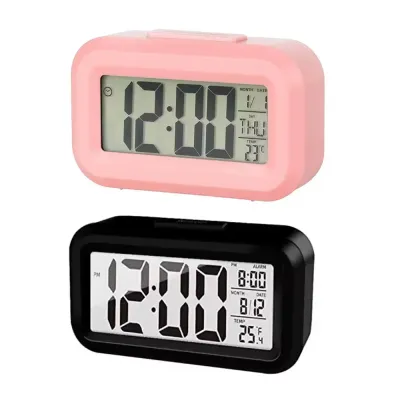
Evaluating screen technology and visibility settings ensures the time remains legible under varying lighting conditions without disrupting your rest. LED displays are typically self-illuminating, offering high contrast in dark rooms, but they can consume more power and sometimes emit too much light at night. LCD screens rely on reflected ambient light or a dedicated backlight, making them highly readable in bright daylight while requiring a manual or automatic backlight to be seen in the dark.
Look for models with adjustable brightness levels or integrated auto-dimming sensors. These sensors detect ambient light and automatically lower the screen’s intensity at night, preventing eye strain and sleep disruption. If you plan to place the electronic clock opposite a window or near a bright desk lamp, check the manufacturer’s specifications for viewing angles and anti-glare coatings to ensure the screen does not become illegible from certain spots in the room.
Products mentioned in this guide
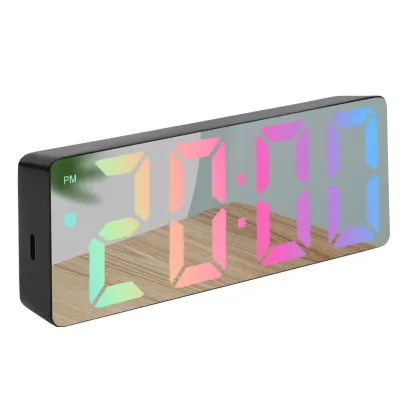
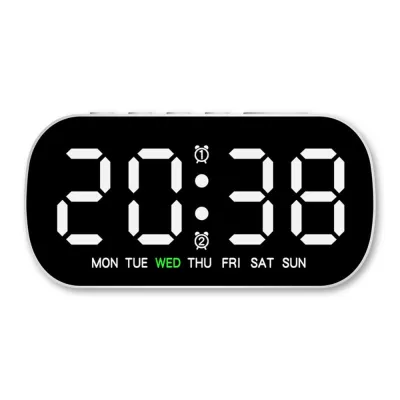
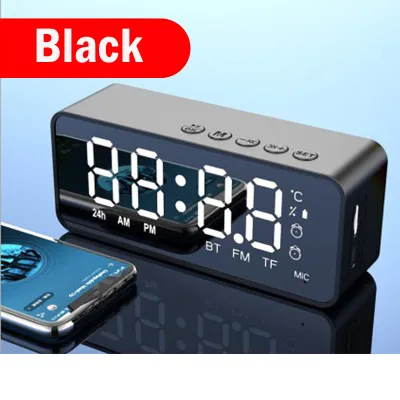
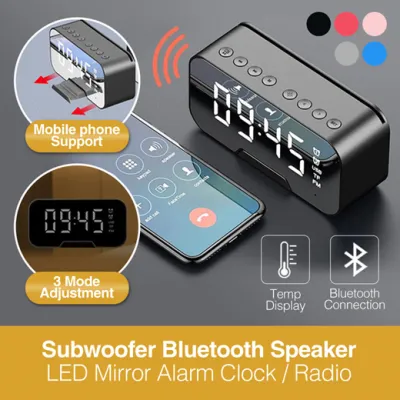
Prices are valid at publication and may change. Please refer to the product page for the latest price.
Power Supply and Battery Backup
Determining the most reliable power configuration is essential to maintain accurate timekeeping and prevent alarm failures during electrical outages. Mains-powered clocks offer continuous display illumination and support extra features like USB charging ports, but they rely on a constant electrical connection. Fully battery-operated models offer maximum portability and placement flexibility, though they require periodic battery replacements and often use power-saving displays that turn off after a few seconds.

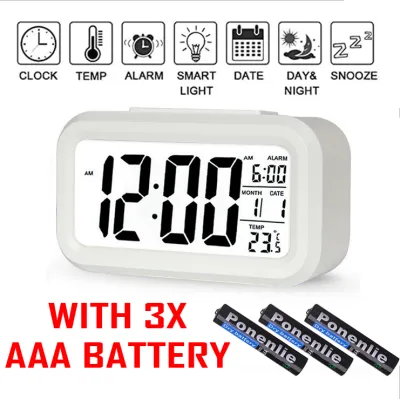
For mains-powered units, verify if they include a battery backup system. Check whether the backup battery keeps the display illuminated during a power outage or if it simply maintains the internal time and alarm settings in memory until power is restored. Consult the product manual or specifications to identify the exact battery type required, such as AA, AAA, or button cells, and look for low-battery indicators on the display to avoid unexpected alarm failures.
Alarm Functions and Sound Control
Matching wake-up features, sound profiles, and volume adjustments to your personal sleep habits and room acoustics ensures a reliable start to your day. Evaluate the alarm’s audio specifications before purchasing. Look for models that offer adjustable volume levels or progressive wake-up tones that start softly and gradually increase in volume, which provides a gentler waking experience than a sudden, loud buzzer.
Examine the physical layout of the clock, specifically the size and placement of the snooze button. If you share a bedroom or have a varied weekly schedule, check for dual or multiple independent alarm settings that allow you to set different wake-up times without reprogramming the device daily. For those sensitive to sound or living in shared spaces, verify if the clock features a visual-only alarm mode, such as a flashing backlight, or if the audio alarm can be completely disabled while keeping the visual display active.
Extra Sensors and Connectivity
Deciding if secondary features like climate tracking or smart integration add practical value helps you avoid unnecessary complexity. Many modern electronic clocks include built-in temperature and humidity sensors. To ensure these readings are useful, check the manufacturer’s specified accuracy range and note the recommended placement instructions, as placing the clock near drafty windows or heat-emitting electronics can skew the climate data.
If the clock features USB charging ports, verify the power output rating, measured in amperes or watts, in the product specifications. Lower-output ports may only charge small accessories slowly, while higher-output ports are necessary to charge modern smartphones or tablets efficiently. Treat smart home integration, Wi-Fi synchronization, or Bluetooth connectivity as optional upgrades, and confirm the specific app requirements, operating system compatibility, and network frequency demands before purchasing.
Sizing and Placement Considerations
Ensuring the physical dimensions and design of the clock fit your nightstand or desk prevents visual clutter and accidental damage. Measure your available surface space before buying and compare these measurements against the clock’s listed dimensions and weight. A clock that is too large can crowd your nightstand, while one that is too light might easily tip over when you reach for the snooze button.
Consider the physical footprint and how you will manage cables for mains-powered units. A clean aesthetic requires routing the power cord safely behind furniture to prevent tripping hazards or accidental unplugging. Finally, check the product details for a stable base design or the inclusion of non-slip rubber pads on the bottom, which prevent the clock from sliding on polished wood, glass, or metal surfaces when operated.
Frequently Asked Questions (FAQ)
Do electronic table clocks emit light that disrupts sleep?
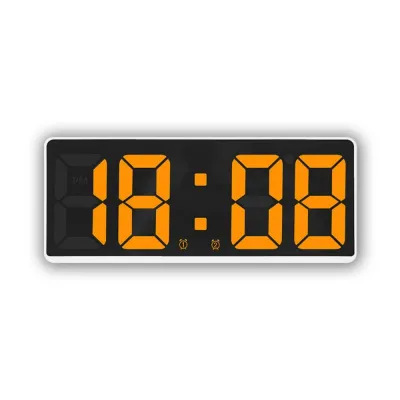
While bright displays can cause glare and disrupt sleep, many modern electronic clocks offer manual dimming, auto-dimming, or a complete display shut-off feature that only activates when tapped. If you are sensitive to blue light at night, look for models with warm-colored displays, such as amber or red, or adjustable color temperatures. Review the product specifications or user manuals to confirm if the device has a dedicated sleep mode or lights-out functionality before making your purchase.
How do I reset an electronic clock after a power outage?
If your electronic clock features a functioning battery backup, it will automatically retain your time and alarm settings during an outage, though the main display may remain dark to conserve battery power. If the backup battery was missing or depleted, you will need to consult the manufacturer’s manual for the specific button sequence required to manually reset the time. Some advanced models automatically synchronize their time via radio signals or Wi-Fi networks once power and internet connectivity are restored, though you may need to verify the reconnection steps in the companion app.
Community discussion
Share your experience or ask a question. Comments are reviewed before publication.