
If you are planning to add a wireless dimmer switch or remote to your smart lighting setup, you do not always need to purchase the central hub. For basic, localized control of Bluetooth-enabled bulbs within a single room, the dimmer switch can pair directly to your lights without a hub. However, this bridge-free convenience comes with functional trade-offs that limit your smart lighting experience.
To make an informed choice, you must understand the two primary operational modes of the ecosystem: Bluetooth mode and Zigbee mode. Bluetooth mode allows for direct, point-to-point communication between your controller and your bulbs, making the central hub optional. Zigbee mode relies on the dedicated hub to establish a robust, whole-home mesh network, which is mandatory for unlocking advanced features, remote access, and wider smart home integrations.
How Hue Dimmer Switches Work Without a Bridge (Bluetooth Mode)
Operating your smart lighting without a central hub relies entirely on direct Bluetooth communication. In this mode, your wireless dimmer switch or remote acts as a direct controller that talks straight to the Bluetooth-enabled bulbs in its immediate vicinity. This setup bypasses the need for a home network connection, allowing you to manage your lighting locally even if your internet service or Wi-Fi router goes offline.
Products mentioned in this guide
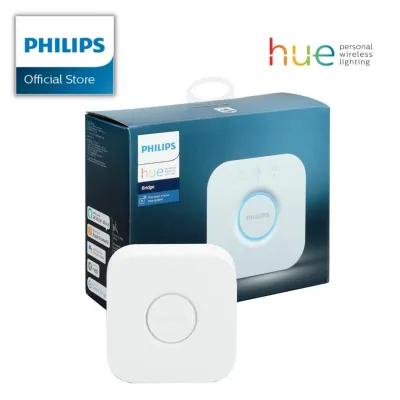
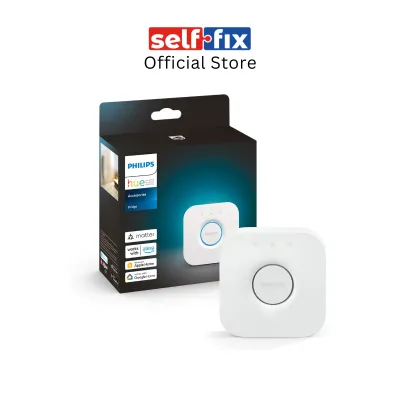
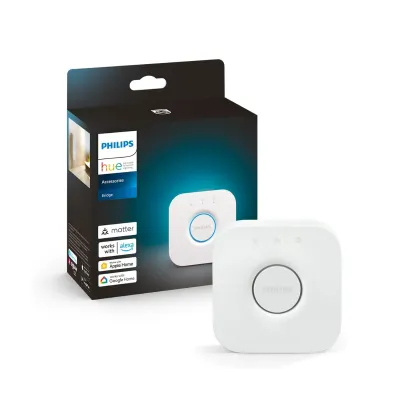
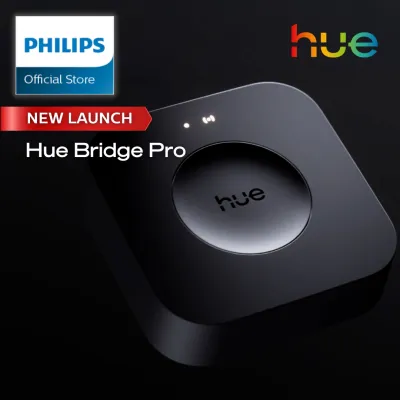
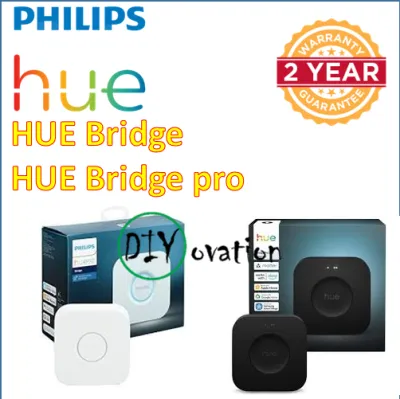
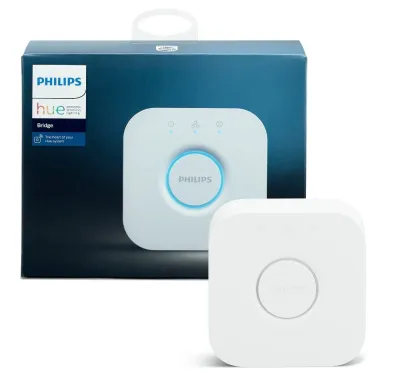
Prices are valid at publication and may change. Please refer to the product page for the latest price.
To establish this connection, you perform a direct pairing process between the physical switch and the bulbs. This is typically done by holding the dimmer switch close to the bulb and pressing a specific button combination, or by using the official mobile application to link the hardware. Once paired, the switch communicates directly with the bulb’s internal Bluetooth receiver, sending commands instantly across the room.
What You Can Do (Basic Local Control)
In a bridge-free setup, your wireless dimmer switch provides reliable, basic physical control over your immediate environment. You can turn your paired lights on and off, brighten or dim them smoothly, and cycle through a small selection of preset light scenes. This local control is highly responsive because the signal travels directly from the remote to the bulb without passing through an intermediary device.
This simplified configuration is highly effective for single-room applications where physical control is preferred over automated complexity. For example, placing a dimmer switch next to a bedside table to control a reading lamp, or mounting it by the doorway of a study, offers a familiar wall-switch experience. Because it operates within a local line-of-sight range, it serves as a straightforward solution for dedicated, isolated spaces.
Limitations of a Bridge-Free Setup
While a Bluetooth-only configuration is easy to set up, it introduces several functional constraints that limit your overall smart home experience. First, you face a strict limit on the number of bulbs you can control with a single switch. Because Bluetooth is a point-to-point protocol rather than a cooperative network, a single remote can only maintain stable communication with a small, limited group of bulbs nearby.
Physical range is another significant limitation, particularly in homes with dense building materials. In Singapore, where residential properties like HDB flats and private condominiums are constructed with thick, reinforced concrete walls, Bluetooth signals degrade rapidly when traveling between rooms. You cannot reliably control a light in the kitchen using a switch located in the master bedroom if there are multiple walls separating them.
Furthermore, a bridge-free setup completely lacks remote out-of-home control and advanced scheduling. Because the bulbs cannot connect to the internet on their own, you cannot check if you left the lights on while you are at work, nor can you program complex, time-based routines that run automatically. Finally, you lose the ability to integrate your lighting accessories with broader smart home ecosystems, voice assistants, or third-party sensors, confining your switches to basic, manual operations.
Why You Might Still Need the Philips Hue Bridge (Zigbee Mode)
To transition your lighting from localized control to a fully automated smart home system, you must introduce the dedicated hub, which switches your devices over to Zigbee mode. The hub connects directly to your home router via an Ethernet cable, serving as the central brain and communication translator for every smart light and accessory in your household.

By utilizing Zigbee instead of Bluetooth, your devices no longer need to communicate directly with your phone or switch over long distances. Instead, they form a cooperative mesh network where every mains-powered bulb acts as a signal repeater. This fundamental shift in technology resolves range issues and unlocks the true potential of your smart lighting investment.
Unlocking Advanced Automations and Remote Access
Adding the central hub to your system grants you complete cloud connectivity, allowing you to monitor and control your home lighting from anywhere in the world. Whether you want to turn on the entryway lights before arriving home at night or simulate occupancy while traveling overseas, the hub facilitates secure remote access through your mobile network.
It also enables the creation of complex, automated routines that operate independently of your physical presence or phone location. You can program your lights to mimic a natural sunrise in the morning, transition to warm tones automatically as the sun sets, or trigger specific lighting states when paired with dedicated motion sensors. These schedules are saved directly on the hub, ensuring they execute precisely on time even if your phone is switched off.
Expanding Bulb Capacity and Network Range
One of the greatest advantages of the Zigbee mesh network is its ability to overcome the physical layout challenges of modern homes. Because each smart bulb passes the wireless signal along to the next closest device, you can easily extend your coverage across multiple rooms, hallways, and floors without experiencing dead zones or latency.
This mesh topology also dramatically expands your system’s capacity, allowing a single hub to support up to 50 lights and up to 12 accessories simultaneously. This scalability makes the hub an absolute necessity if you plan to transition from lighting a single room to implementing a comprehensive, whole-home smart lighting design.
Integrating with Smart Home Ecosystems
For those who wish to build a unified smart home, the hub acts as an essential translation layer. It bridges the gap between your proprietary lighting accessories and major smart home platforms, including Apple Home, Google Home, and Amazon Alexa. This compatibility allows you to configure your dimmer switches to trigger complex, multi-brand automation scenes.
With the hub in place, pressing a button on your dimmer switch can simultaneously lower your smart blinds, adjust your air conditioning, and set your media player to a specific preset. Before attempting to link your devices, always check the official documentation of your preferred smart home platform to verify its specific compatibility and hub requirements.
Decision Guide: Should You Buy the Hue Bridge?
Deciding whether to invest in the dedicated hub depends on your budget, the physical size of your home, and how much automation you want. While skipping the hub saves on upfront hardware costs, upgrading to a hub-based system is often necessary as your smart home ambitions grow.
Scenario A: The Bridge-Free Setup is Enough
Staying bridge-free is highly practical if your smart lighting goals are modest and localized. If you only want to add physical dimming control to a single room, such as a master bedroom or a dedicated study, a standalone switch paired directly to a few Bluetooth bulbs is highly efficient. This setup avoids the expense of a central hub, which typically costs between S$80 and S$100 in the local market.
This path is also ideal for renters who cannot modify their home’s electrical wiring or those who prefer a simple plug-and-play system without network configuration. If you do not care about voice commands, out-of-home control, or automated schedules, and simply want a reliable physical remote to adjust your bedside lighting, the bridge-free Bluetooth configuration will serve your needs perfectly.
Scenario B: It is Time to Add the Bridge
Upgrading to a hub-based setup becomes necessary when your lighting needs expand beyond a single room. If you are outfitting an entire apartment or a multi-story landed property, the physical range limitations of Bluetooth will quickly cause connection drops, making a Zigbee mesh network essential for reliable operation.
You should also add the hub if you want to integrate your lighting with other smart home systems, use voice control, or set up automated routines. If you want your lights to turn off automatically when you leave for work, or if you want to use motion sensors in your hallways, investing in the hub is the only way to achieve these seamless, hands-free automations.
Setup Tips and Compatibility Checks
Before purchasing any hardware, verify that your existing light bulbs support Bluetooth by looking for the distinct Bluetooth logo printed on the bulb base or the original product packaging. Older generations of these smart bulbs rely exclusively on Zigbee communication and cannot pair directly with a dimmer switch without a hub.
When installing your wireless dimmer switch, you can mount the magnetic wall plate to any flat surface using the pre-applied adhesive backing or the included mounting screws. If you choose to screw the plate into a wall, ensure you are not drilling near hidden electrical conduits, water pipes, or structural pillars.
If you plan to replace an existing, traditional wired wall switch with a smart wireless remote, safety must be your top priority. Always isolate the power at your main distribution board before touching any electrical wiring. Because modifying fixed electrical installations carries significant safety risks, you should consult the manufacturer’s official guidelines and hire a licensed electrical worker (LEW) in Singapore to safely cap off the old wiring and install a clean blanking plate.
Frequently Asked Questions (FAQ)
Can I use a Hue Smart Button without the Bridge?
Yes, the compact smart button supports direct Bluetooth pairing with compatible smart bulbs, allowing you to turn lights on and off or dim them without a central hub. However, this setup is subject to the same range and capacity limits as the standard dimmer switch, restricting its use to a single-room environment.
Will my older Hue Dimmer Switch work with Bluetooth?
Older generations of the dimmer switch, which can be identified by their specific button layouts or the lack of updated branding logos, do not feature built-in Bluetooth hardware. These legacy accessories rely entirely on Zigbee signals and require a central hub to connect to and control your smart lighting system.
Community discussion
Share your experience or ask a question. Comments are reviewed before publication.