
Selecting a big alarm clock for seniors or individuals with visual impairments requires looking beyond basic aesthetics. In Singapore, where bedroom layouts and lighting conditions vary from bright, sunlit high-rise apartments to dimly lit air-conditioned rooms, a clock must offer exceptional legibility, intuitive physical controls, and reliable alert mechanisms. The ideal timepiece does not just display the time in a larger font; it actively accommodates the physiological changes associated with aging eyes, such as reduced contrast sensitivity, difficulty focusing on close objects, and altered color perception.
For many elderly users, a standard bedside clock with small, low-contrast numbers is practically invisible from a distance of more than a meter. This can lead to frustration, missed appointments, or incorrect medication timings. By focusing on specialized design features—such as high-contrast LED screens, tactile buttons, and multi-sensory alarms—you can find a device that restores independence and ensures daily routines run smoothly.
Key Features to Look for in a Big Alarm Clock for Seniors
When evaluating a big alarm clock, the physical size of the digits is the most critical factor. For clear readability across a standard bedroom, look for a display where the primary time digits are at least 2 to 3 inches (approximately 5 to 7.5 centimeters) in height. This size allows users to read the time clearly from their bed without needing to reach for prescription glasses or squint in the dark. The overall screen dimensions should be proportionally large, ensuring the numbers are not crowded together.
Products mentioned in this guide
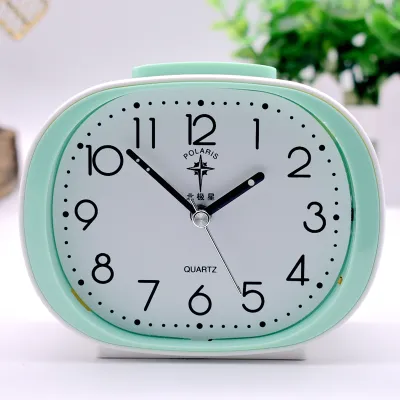
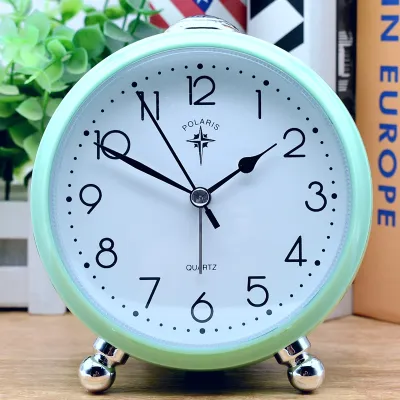

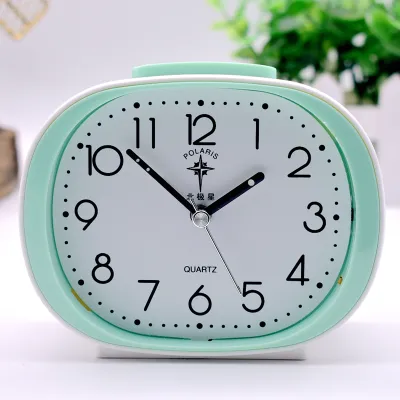
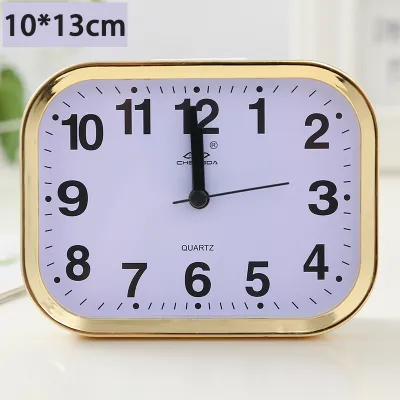
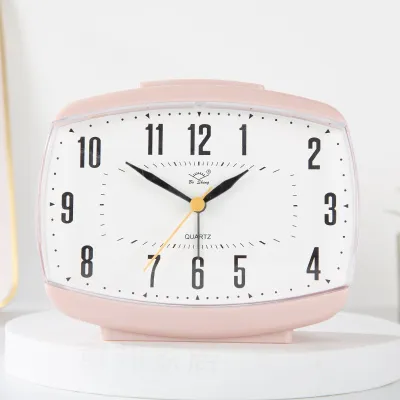
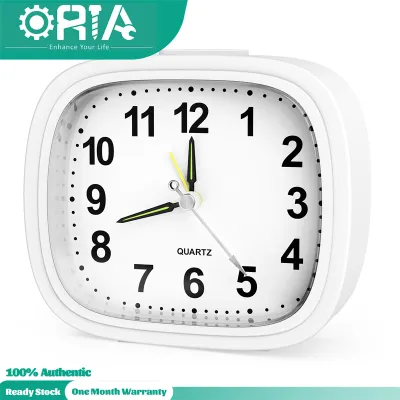
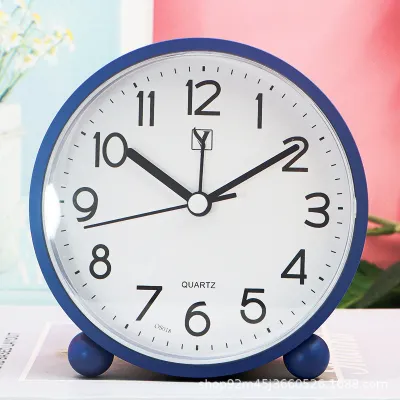
Prices are valid at publication and may change. Please refer to the product page for the latest price.
Contrast is equally vital for legibility. Standard liquid crystal displays (LCDs) without backlights often feature dark grey numbers on a light grey background, which offers very poor contrast for aging eyes. Instead, prioritize high-contrast color schemes, such as bright white, warm yellow, or soft green digits set against a deep black background. Avoid blue light displays if possible; blue wavelengths tend to scatter more within the human eye, which can cause a halo effect or blurriness for individuals with cataracts or macular degeneration.
Physical controls must be designed for users with reduced finger strength, arthritis, or limited dexterity. Many modern clocks feature sleek, flat touchscreens or tiny, stiff plastic dials hidden on the back panel. For seniors, these designs are often frustrating and difficult to operate. Look for clocks with large, raised, and well-spaced physical buttons. A prominent, easily accessible “Snooze” or “Alarm Off” button on the top surface is particularly helpful, as it can be operated by touch alone without needing to turn the clock around.
Finally, keep the user interface as simple and uncluttered as possible. While some digital clocks display the date, day of the week, indoor temperature, humidity levels, and multiple alarm status icons all on one screen, this excess information can confuse a disoriented user waking up in the middle of the night. A clean display that prioritizes the current time, with perhaps a simple AM/PM indicator, is generally much easier to read and interpret quickly.
Display Technologies and Visibility Options
Different display technologies offer distinct advantages depending on the user’s sleeping environment and visual needs. Light Emitting Diode (LED) screens are highly popular because they emit their own light, providing excellent brightness and sharp contrast during both day and night. However, because they are actively illuminated, they require a reliable power source and can sometimes be too bright for a dark bedroom if not properly adjusted.

Liquid Crystal Displays (LCDs) with built-in backlights are an alternative option. These screens rely on ambient light during the day and use a temporary or adjustable backlight for nighttime viewing. If you choose an LCD model, ensure the backlight can be set to remain on at a low, comfortable level throughout the night, rather than requiring the user to press a button to illuminate the screen, which can be difficult to locate in the dark.
Projection clocks represent another innovative visibility option. These devices project the time onto the ceiling or a nearby wall in large, soft-colored numbers. This setup is highly beneficial for seniors who find it difficult or painful to turn their heads to look at a bedside table. When choosing a projection clock, verify that the projector head can be rotated and focused easily, and check that the projected image is sharp enough to be read against your specific ceiling texture and color.
To prevent sleep disruption, any illuminated clock must feature adjustable brightness settings. Look for models that offer continuous dimming via a rotary dial, or at least three to five distinct brightness levels. Some advanced clocks include built-in light sensors that automatically dim the display as the room gets darker and brighten it during the day. Before purchasing, check the manufacturer’s specifications to ensure the minimum dimming range is low enough to avoid casting an unwanted glow across the bedroom, while still remaining legible to the user.
Audio, Vibration, and Multi-Sensory Alerts
Age-related hearing loss, or presbycusis, often accompanies visual decline, making standard high-pitched alarm beeps ineffective for many seniors. To ensure the user wakes up reliably without experiencing unnecessary stress, look for clocks that offer adjustable alarm volumes and customizable tone frequencies. Lower-frequency alarm sounds are generally much easier for individuals with mild to moderate hearing loss to detect than high-pitched chirps.
A gradual wake-up feature, often called a crescendo alarm, is also highly recommended. This function starts the alarm at a very low volume and slowly increases the intensity over several seconds or minutes. This gentle approach prevents the user from being startled, which is particularly important for seniors with cardiovascular concerns or those who are prone to morning disorientation.
For individuals with severe hearing impairment or those who sleep very deeply, audio alerts alone may not suffice. Multi-sensory alarms that incorporate physical vibration are an excellent solution. These models typically connect to a small, wired vibrating pad—often called a bed shaker—that is placed under the user’s pillow or mattress. When the alarm triggers, the pad vibrates vigorously, waking the user through tactile stimulation rather than sound.
Visual alerts, such as flashing LED lights built into the clock face, can provide an additional layer of notification. If you select a model with flashing lights, verify that the light is bright enough to be noticed through closed eyelids but not so intense that it causes optical discomfort. Ensuring the chosen alert type matches the user’s specific sensory profile is key to creating a safe, stress-free morning routine.
Power Sources and Reliability Checks
The reliability of an alarm clock depends heavily on its power source. Most big alarm clocks with bright, continuous LED displays require a constant connection to a mains power outlet. In Singapore, where household electrical outlets supply 230V at 50Hz, you must ensure the clock comes with a compatible power adapter or a standard USB cable that can be safely connected to a certified local USB wall charger.
Battery-operated models offer the advantage of portability and are not limited by the placement of wall outlets. However, because large displays consume a significant amount of energy, battery-only clocks often use passive LCD screens that can be difficult to read in low light without manually activating a backlight. If you prefer a battery-operated model, be prepared to replace the batteries regularly to maintain display brightness and alarm volume.
A robust battery backup system is essential for mains-powered clocks. This system typically utilizes a small button-cell battery (such as a CR2032) or a couple of AAA batteries to keep the internal clock chip running during a power outage or if the clock is temporarily unplugged. While the backup battery usually does not keep the main display illuminated, it ensures that the correct time and alarm settings are preserved, preventing the user from having to reprogram the clock once power is restored.
Before finalizing your choice, verify how accessible the battery compartment is. Some models require tiny precision screwdrivers to open the battery door, which can be incredibly challenging for seniors with limited hand strength or poor eyesight. Look for designs with simple slide-off or clip-on battery covers that can be operated easily without specialized tools.
Pre-Purchase Evaluation Checklist
Before purchasing a big alarm clock from an online marketplace or a local retail shop, take the time to conduct a thorough evaluation of the product specifications and user feedback. Start by confirming the exact physical dimensions of both the clock housing and the display digits. Do not rely solely on promotional images, which can sometimes make a clock appear larger than it actually is; instead, use a ruler to visualize the measurements in your bedroom space.
Check the return and exchange policies of the seller carefully. Because visual comfort is highly subjective, a display color or brightness level that works well for one person might cause eye strain or sleep disruption for another. Having the option to return or exchange the clock after a brief home trial provides peace of mind.
Verify that all necessary accessories are included in the package. If you require a bed shaker, check whether it is bundled with the clock or must be purchased separately. Similarly, ensure the power adapter is compatible with Singapore’s Type G electrical outlets or that a suitable USB power source is readily available.
Finally, read through customer reviews, paying close attention to feedback regarding long-term durability, ease of initial setup, and button responsiveness. Look for comments from buyers who purchased the clock for elderly relatives, as their firsthand experiences can provide valuable insights into how intuitive the device is for daily use.
Frequently Asked Questions (FAQ)
Do big alarm clocks need to be plugged in all the time?
Yes, most big alarm clocks with continuously illuminated LED or high-contrast displays require a constant connection to a mains power outlet. Because these large screens consume a relatively high amount of electricity, relying solely on standard batteries would drain them within a matter of days or weeks. The battery compartment found on these clocks is typically designed for a backup battery, which functions exclusively to save your time and alarm settings during a power outage, rather than powering the display itself.
Can I adjust the brightness for a completely dark bedroom?
Many big alarm clocks offer adjustable brightness settings specifically designed to accommodate dark bedrooms. When shopping, look for models that feature a continuous dimmer dial or multiple manual brightness steps, allowing you to lower the illumination to a level that does not disrupt your sleep. Some models also feature built-in light sensors that automatically adjust the screen’s brightness based on the ambient light in the room, ensuring the display is clear during the day and soft at night.
Community discussion
Share your experience or ask a question. Comments are reviewed before publication.