
To successfully pair a 12V LED driver with a smart switch for your HDB flat’s strip lighting, you must match the driver’s total wattage capacity to your LED strip’s power draw while ensuring the smart switch’s protocol and electrical load limits align with the driver’s input requirements. Because smart switches control the power flowing into the LED driver, mismatching these components can lead to persistent flickering, premature hardware failure, or electrical hazards. Achieving a seamless setup requires calculating the correct wattage, verifying switch compatibility, and confirming the physical and electrical specifications of your driver.
Calculate the Required Wattage for Your 12V LED Driver
To determine the minimum safe wattage for your 12V LED driver, you must first calculate the total power consumption of the connected LED strip. This calculation prevents overloading the driver, which can cause overheating and shorten the lifespan of your lighting system. Begin by checking the physical label or manufacturer specifications on your LED strip to find its exact wattage rating per meter and confirm it requires a 12V input.
Once you have the wattage per meter, multiply this number by the total length of the strip you plan to install. For example, if an LED strip draws 9 watts per meter and you install a 4-meter run, the base power requirement is 36 watts.
Products mentioned in this guide
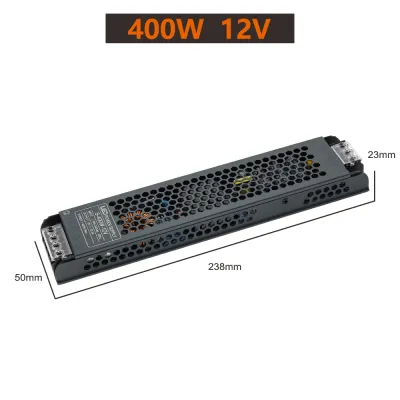
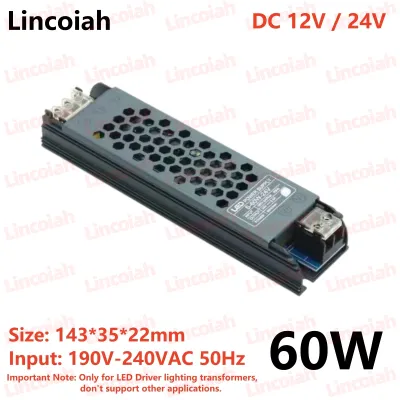
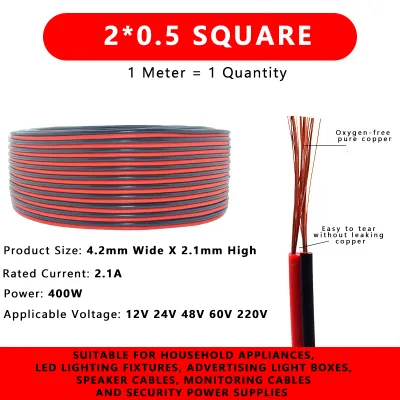
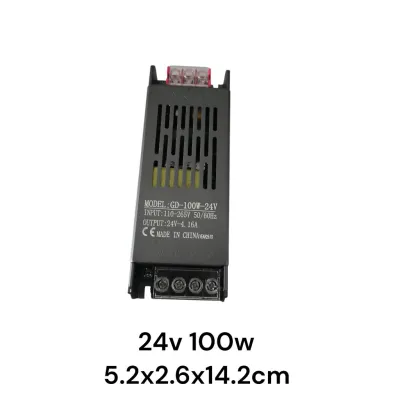
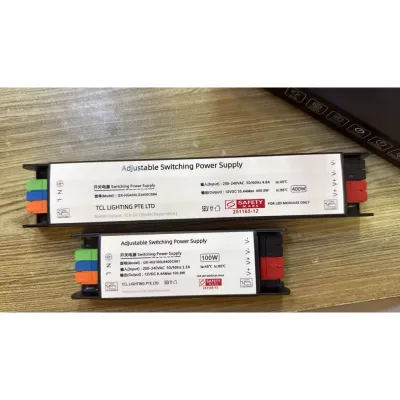
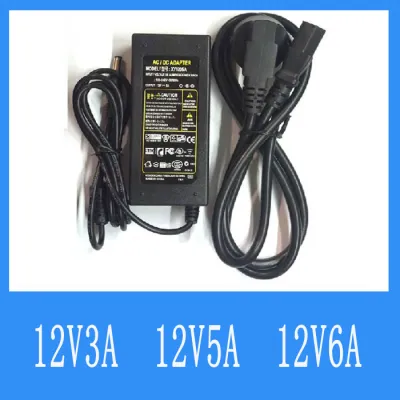
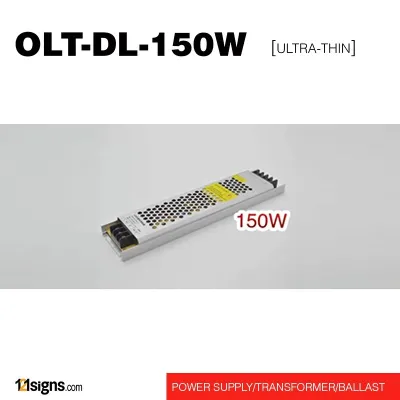
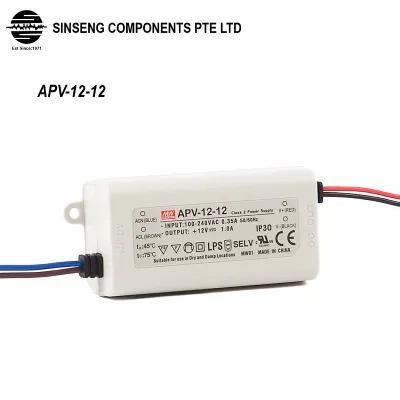
Prices are valid at publication and may change. Please refer to the product page for the latest price.
After finding this base number, apply a 20% safety headroom rule. This means the LED driver should run at no more than 80% of its maximum rated capacity to accommodate minor power fluctuations and prevent heat buildup. To calculate this, multiply your base wattage by 1.25. For a 36-watt setup, you would need a 12V LED driver rated for at least 45 watts. Always round up to the next standard driver size available on the market to ensure safe operation.
Verify Smart Switch Protocol and Load Compatibility
Your smart switch acts as the gatekeeper for the electrical current entering the LED driver. To ensure reliable control without flickering or circuit overload, you must verify both the communication protocol and the electrical load compatibility of the switch. First, identify the wireless protocol of your smart switch, such as Zigbee, Thread, or Wi-Fi, and confirm that your home’s smart hub or router fully supports it.

Next, distinguish between a standard smart on/off switch and a smart dimmer switch. A standard smart on/off switch simply cuts or supplies power to the driver, making it compatible with almost any standard 12V LED driver. However, if you use a smart dimmer switch, you must pair it with a 12V LED driver that is explicitly labeled as dimmable. Using a non-dimmable driver with a dimmer switch will result in severe flickering, buzzing, or immediate component damage.
Finally, compare the maximum load rating of the smart switch against the input wattage of the 12V LED driver. Smart switches have specific load limits for capacitive and inductive loads, which include LED drivers. Ensure the total input wattage of your driver does not exceed the switch’s rated limit for LED loads, which is often significantly lower than its limit for traditional incandescent bulbs.
Check Output Type and Mains Input Specifications
Before finalizing your purchase, you must verify that the physical and electrical specifications of the driver match both your LED strip and the local electrical grid. First, ensure the driver outputs Constant Voltage (CV) at exactly 12V DC. Standard LED strips require a constant voltage source, whereas Constant Current (CC) drivers are designed for individual high-power LED chips and will damage standard strip lights.
Next, examine the physical connection points. Match the DC output connector type of the driver to the input requirements of your LED strip. Some drivers use open screw terminals that require stripped wire leads, while others use barrel jacks or proprietary quick-connect plugs. Ensuring a secure physical connection is vital to prevent voltage drops and loose wiring hazards.
Additionally, check the AC input voltage range printed on the driver’s label. In Singapore, the standard mains supply is 230V AC at 50Hz. The driver must explicitly state support for this input range, often listed as 220V–240V or a wide range like 100V–240V, to operate safely and efficiently.
HDB Installation Safety and Professional Boundaries
Installing smart switches and LED drivers in an HDB flat involves working with mains electricity, which carries inherent risks. Always turn off the main power at the distribution board before inspecting, removing, or modifying any wall switch wiring. Never rely solely on the wall switch to isolate the power, as some circuits may still carry live current.
It is crucial to recognize when to stop and consult a licensed electrician. In Singapore, any modification to fixed electrical wiring, installing new wall boxes, or addressing complex wiring scenarios—such as a missing neutral wire at the switch box—must be handled by a licensed electrical worker (LEW). Attempting to bypass these regulations can compromise your home’s safety and void your insurance.
Lastly, plan the physical placement of your LED driver carefully. Drivers generate heat during operation and require adequate ventilation to prevent overheating. Avoid sealing the driver completely inside tight cabinetry or unventilated ceiling coves. Ensure there is sufficient clearance around the unit for natural airflow to maintain a safe operating temperature.
Frequently Asked Questions (FAQ)
Can I use a standard smart dimmer switch with any 12V LED driver?
No, you cannot use a standard smart dimmer switch with just any 12V LED driver. To dim your LED strip safely, you must use a driver that is explicitly labeled as dimmable and matches the dimming technology of your switch, such as trailing-edge or leading-edge dimming. Connecting a standard, non-dimmable driver to a smart dimmer switch will cause persistent flickering, buzzing noises, and can permanently damage both the driver and the smart switch.
What should I do if my LED strip flickers after connecting to the smart switch?
If your LED strip flickers, first turn off the power and check for loose physical connections along the DC output terminals and the LED strip connectors. If the connections are secure, verify that the total load of the driver does not fall below the minimum load requirement of the smart switch, which is a common issue with no-neutral smart switches. Finally, ensure you are not using a non-dimmable driver with a dimming switch, and confirm that the driver’s input voltage matches Singapore’s 230V mains supply.
Community discussion
Share your experience or ask a question. Comments are reviewed before publication.