
Quick Answer: Which Hue Bridge Should You Choose?
When planning a smart lighting setup, the standard Hue Bridge is the confirmed, widely available hub designed to manage your ecosystem. There is no official, standalone product named the “Hue Bridge Pro” in the manufacturer’s standard global lineup.
If you encounter a product listed as a “Hue Bridge Pro” on an online marketplace, it is highly likely a retailer-created bundle, a mislabeled standard bridge, or a third-party smart home hub. For guaranteed compatibility, seamless firmware updates, and official app support, you should choose the standard, officially branded Hue Bridge.
Before making a purchase, always verify the exact model numbers on the packaging. If a listing claims to be a “Pro” version, pause to check the manufacturer details to ensure you are not buying an incompatible third-party device or paying an inflated price for a standard hub.
Products mentioned in this guide
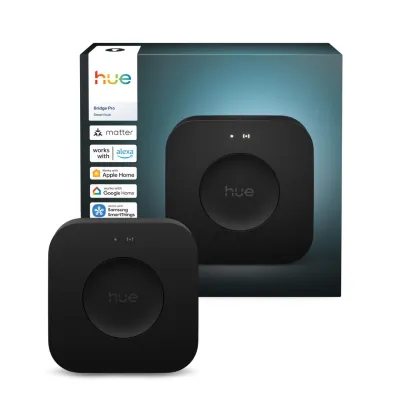
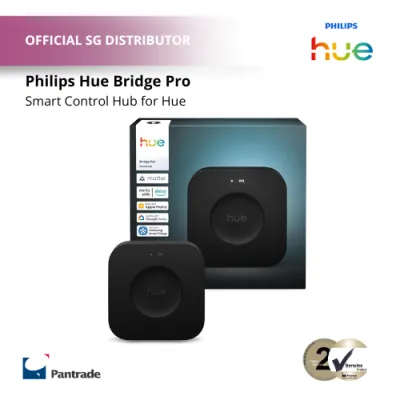
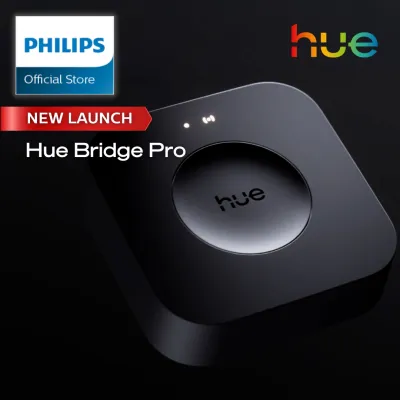
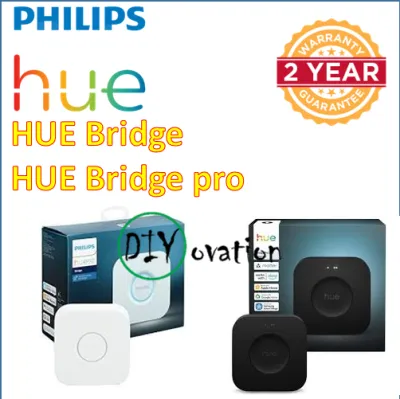
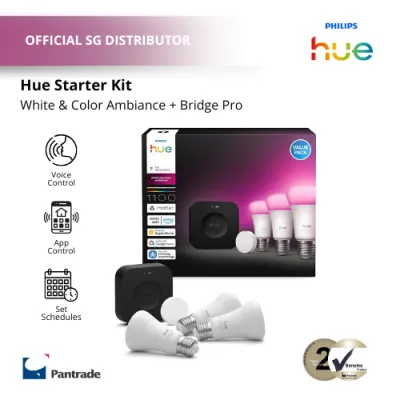
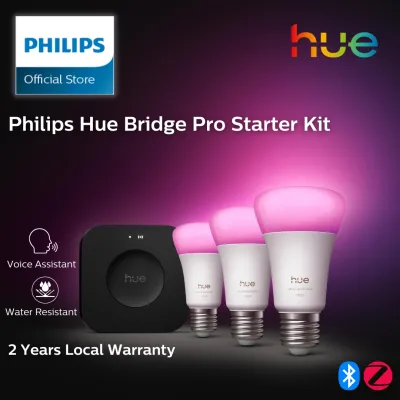
Prices are valid at publication and may change. Please refer to the product page for the latest price.
Verifying the Models: Is There Really a "Hue Bridge Pro"?
To avoid purchasing errors or compatibility issues, it is essential to verify the exact product names and model numbers before checking out. Because some retailers on ecommerce platforms use descriptive terms like “Pro” to attract attention, consumers can easily become confused about what they are actually buying.

Start by visiting the official manufacturer website or consulting authorized local distributors to review the active product catalog. The official smart lighting controller is simply called the Hue Bridge, which is currently in its square-shaped second generation.
If you see a “Pro” label, use this checklist to verify the product’s authenticity:
- Check the Manufacturer: Ensure the packaging displays the official brand logo and matches the design of authorized retail stock.
- Identify Bundles: Determine if the "Pro" designation is merely a retailer's name for a bundle that packages the standard bridge with accessories like smart dimmer switches, motion sensors, or an HDMI sync box.
- Verify the Model Number: Look for the official model number printed on the box or the underside of the device, and cross-reference it with official support documentation.
- Confirm Seller Credentials: Purchase only from authorized dealers or official brand stores to ensure you receive a genuine product with a valid local warranty.
Core Specifications to Check on the Product Label
When comparing smart controllers, the technical specifications printed on the product label will help you confirm compatibility with your home network and electrical system.
Device Capacity Check the packaging for the maximum number of supported lights and accessories. The standard bridge is designed to manage a specific limit of bulbs and smart switches. If your home setup requires more devices than the stated limit, you will need to plan for multiple controllers rather than searching for a non-existent “Pro” model with higher native capacity.
Wireless Protocols Look for the wireless protocol logos on the box. The official bridge primarily uses Zigbee to communicate with your bulbs, creating a dedicated mesh network that does not clog your home Wi-Fi. Additionally, check for Matter compatibility indicators, which allow the bridge to integrate with broader smart home systems.
Power and Connectivity In Singapore, electrical safety is a priority. Ensure the power adapter is rated for the local 230V grid and carries the appropriate local safety certifications, such as the Safety Mark. The controller also requires a physical RJ45 Ethernet port, as it must connect directly to your home router via a network cable.
Physical Dimensions Note the physical footprint of the device to ensure it fits your intended installation area. The standard square bridge is compact and lightweight, making it easy to place on a shelf or mount on a wall near your network router. Ensure there is sufficient physical clearance for both the power cable and the Ethernet connection.
Smart Home Ecosystem and App Compatibility
Integrating your smart lighting controller with your existing smart home platforms requires verifying software and ecosystem compatibility on the product packaging.
App Support Confirm that the controller is fully compatible with the official companion app. This app is required to configure advanced features such as custom schedules, geofencing, and room zoning. Third-party hubs labeled as “Pro” may not support the official app, forcing you to rely on generic smart home applications with limited lighting control features.
Voice Assistants Check the product label for compatibility badges from major smart home ecosystems. The official bridge offers native integration with Apple HomeKit, Google Home, and Amazon Alexa. If you choose an unverified third-party controller, you may lose access to these seamless voice control integrations, particularly Apple HomeKit, which requires strict hardware certification.
Matter and Thread Verify if the bridge supports newer smart home standards like Matter. The official bridge can receive software updates that enable Matter compatibility, allowing it to bridge your Zigbee bulbs to other Matter-enabled controllers. However, the bridge itself does not act as a Thread border router, so check the specifications carefully if you plan to build a Thread-based smart home network.
Installation, Placement, and Network Requirements
Proper physical placement and network configuration are critical to ensuring your smart lights respond instantly and maintain a stable connection.
Router Proximity The official bridge does not connect to your home network via Wi-Fi; it requires a wired Ethernet connection to your primary router or a network switch. Ensure you have an available LAN port on your router and a nearby power outlet before beginning the installation process.
Central Placement Because the bridge communicates with your bulbs using Zigbee wireless signals, physical barriers can affect performance. In Singapore, many homes feature thick concrete or brick walls that can degrade wireless signals. Place the bridge as centrally as possible, and remember that mains-powered smart bulbs act as signal repeaters, helping to extend the Zigbee mesh network through concrete walls to distant rooms.
Network Band During the initial setup, your smartphone must be connected to the same local network as the bridge. Ensure your mobile device is connected to a compatible Wi-Fi band (typically 2.4GHz or a unified dual-band network) so the companion app can discover the wired bridge during the pairing process.
Safety and Wiring Boundaries While the bridge itself is a low-voltage, plug-and-play device, any hardwired smart switches, in-wall dimmers, or light fixtures you pair with it involve working with mains electricity. For any fixed electrical wiring, always isolate the power at the main circuit breaker, follow the manufacturer’s installation instructions, and consult a qualified professional if you are unsure.
Decision Framework: Choose Based on Your Setup
To finalize your purchase, evaluate your specific home layout, technical requirements, and budget.
Choose the Regular Hue Bridge if:
- You want a guaranteed, officially supported setup that works seamlessly with all official bulbs and accessories.
- You require native integration with Apple HomeKit, Google Home, or Amazon Alexa.
- You prefer a dedicated Zigbee network that operates independently of your home Wi-Fi bandwidth.
- You want hassle-free firmware updates directly through the official companion app.
Consider the “Pro” or Alternative if:
- You have verified that the "Pro" listing is actually an official retail bundle containing the standard bridge and essential accessories at a discounted package price.
- You are an advanced user looking at a certified, multi-protocol third-party smart hub, and you are comfortable managing potential compatibility workarounds for non-native bulbs.
Verify First if:
- The product listing on an online marketplace uses generic branding, lacks official model numbers, or does not mention local electrical safety certifications.
- The price is significantly higher than the standard retail price for a regular bridge, which typically requires a modest investment of around S$80 to S$100.
Frequently Asked Questions (FAQ)
Do I need a Hue Bridge if I already have a smart speaker?
Many modern smart bulbs support direct Bluetooth connection, allowing you to control them using a smartphone or a compatible smart speaker without a dedicated hub. However, Bluetooth control has significant limitations, including a shorter wireless range and a lower limit on the number of connected devices.
By adding a dedicated bridge, you unlock the full suite of smart lighting features. This includes out-of-home control, advanced automations, synchronization with entertainment systems, and a more robust Zigbee mesh network that operates independently of your home Wi-Fi.
Can I use multiple Hue Bridges in the same home?
Yes, you can connect and run multiple bridges on a single home network. This is particularly useful for very large properties, multi-story homes, or setups that exceed the standard device limit of a single bridge.
Keep in mind that each bridge operates as its own distinct Zigbee network. While the official app allows you to switch between multiple bridges, you will need to assign specific rooms and accessories to each individual bridge, which requires some planning during the initial configuration.
Community discussion
Share your experience or ask a question. Comments are reviewed before publication.