
Finding the perfect clock desk accessory is a balancing act between your physical workspace constraints and your daily productivity habits. The ideal timepiece does more than display the hours and minutes; it seamlessly integrates into your environment, supports your focus, and complements your interior style. By evaluating your desk’s size, ambient lighting, and your personal time-management routine, you can select a clock that serves as a functional tool rather than a distracting ornament.
Diagnose Your Workspace: Space, Light, and Power Constraints
Before browsing styles, you must assess the physical realities of your desk setup. In Singapore, where home offices are often integrated into compact HDB study corners or multi-purpose bedrooms, every square centimetre of desk surface is valuable real estate. A large, heavy clock might look stunning in a spacious executive office, but it will quickly crowd a compact 100-centimetre desk, leaving little room for your laptop, mouse, and daily paperwork. For smaller setups, a low-profile, minimalist clock is essential to maintain an organized, clutter-free workspace.
Lighting is another critical factor that dictates readability. If your desk is positioned near a bright window with direct sunlight, a glossy digital screen will suffer from severe glare, forcing you to squint to read the time. In high-glare environments, a high-contrast analog dial with bold hands or a non-reflective electronic ink display is highly superior. Conversely, if you frequently work late into the evening under dim, warm ambient lighting, you will need a clock with a soft, adjustable backlight or a dimmable LED display that does not emit harsh, sleep-disrupting blue light.
Products mentioned in this guide
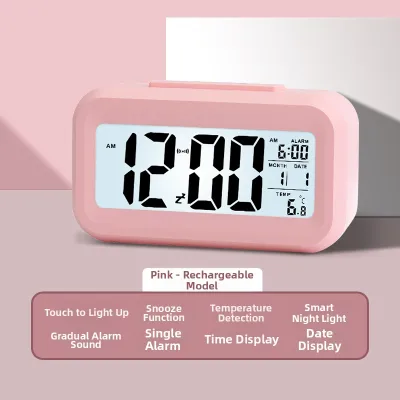
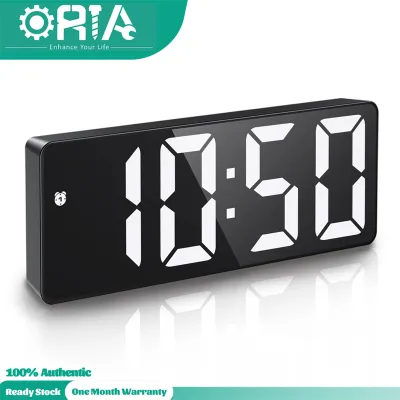
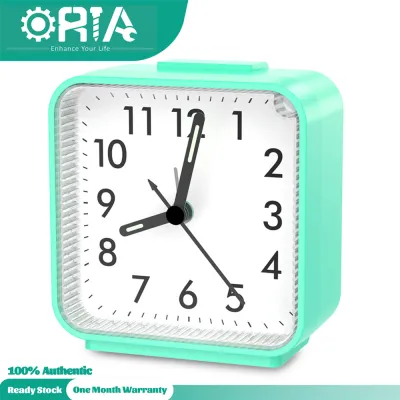
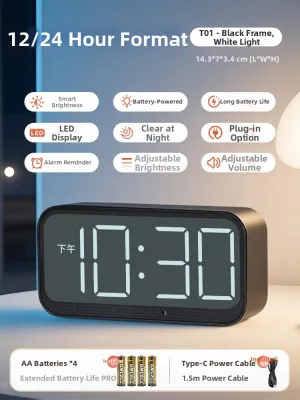
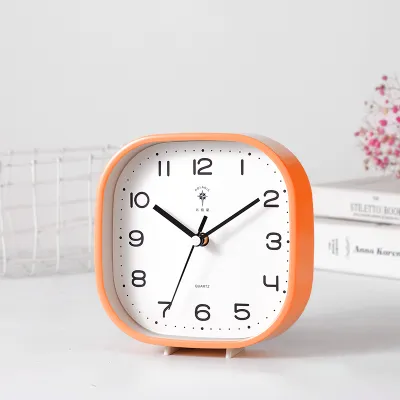
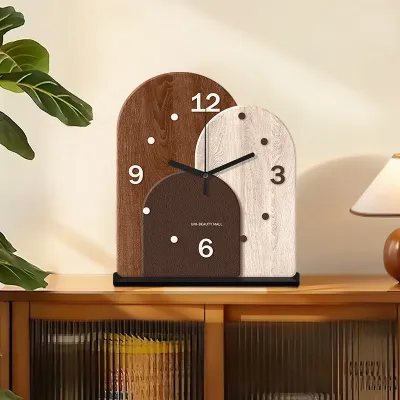
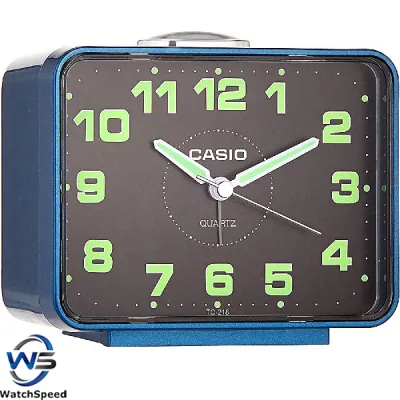
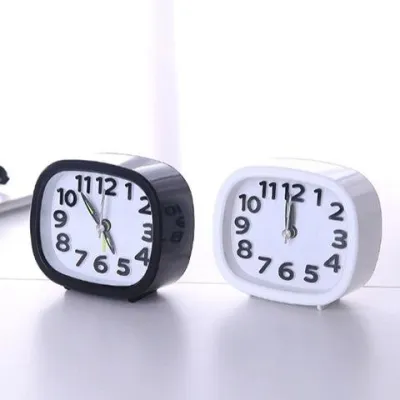
Prices are valid at publication and may change. Please refer to the product page for the latest price.
Power access and cable management are the final physical constraints to evaluate. A desk cluttered with tangled cords can easily disrupt your mental focus. If your power strip is already fully occupied by your computer, monitor, and desk lamp, a battery-operated or USB-rechargeable clock is the most practical choice. If you prefer a plug-in model with a continuous, bright LED display, check the location of your nearest outlet and ensure you have a clean way to route the cable behind your desk to maintain a sleek, professional aesthetic.
Evaluate Your Routine: How You Actually Use Time at Work
Your daily workflow and time-management habits should directly influence the type of clock you choose. Some professionals only need a clock for passive timekeeping—a quick glance between tasks to ensure they are on schedule. For this style of work, a classic analog dial is incredibly efficient because the human brain can process the relative position of clock hands almost instantly. However, if your routine involves active time management, such as tracking billable hours or using the Pomodoro technique to structure your focus intervals, you will benefit far more from a digital clock with built-in countdown timers and stopwatch functions.

Sound and notification sensitivity also play a major role in your choice. If you work in a quiet, shared corporate office or a communal study space, a clock with a loud, sudden alarm is highly inappropriate. In these settings, a completely silent clock or one with visual flash notifications is essential to avoid disrupting your colleagues. For a private home office, an audible alarm can be a useful tool to pull you out of deep-focus states when a virtual meeting is about to start, but you should still ensure the volume is adjustable to prevent startling you during intense work.
Additionally, consider whether you would benefit from secondary environmental tracking. In Singapore’s humid tropical climate, air-conditioned workspaces can quickly become dry, while natural ventilation can introduce high humidity levels that affect your comfort and productivity. A desk clock equipped with an integrated digital thermometer and hygrometer allows you to monitor your indoor environment in real time. This data helps you make timely adjustments to your air conditioning, fan speed, or humidifier, ensuring your study or office remains comfortable throughout the day.
Match Your Profile to the Right Desk Clock Type
To find the perfect timepiece, you must cross-reference your physical desk environment with your daily productivity needs. There is no single style that fits every professional, but categorizing your options makes the decision straightforward. By comparing the strengths and limitations of digital, analog, smart, and mechanical designs, you can easily identify the clock that best supports your workflow and matches your aesthetic preferences.
Digital LED and LCD Clocks
Digital clocks are the ultimate choice for professionals who require precise, split-second timing and multi-functional utility. These clocks excel in low-light environments and are ideal for users who rely on integrated features like date displays, multiple daily alarms, and countdown timers to structure their workday. When selecting a digital clock, verify its operating voltage, power interface (such as USB-C or a proprietary DC jack), and electrical safety certifications to ensure compatibility with your local power supply.
What to watch for: When choosing a digital model, pay close attention to the display’s brightness controls and dimming method. Look for clocks that offer manual dimming steps or an automatic light sensor that adjusts the screen based on ambient light. Avoid cheap, non-dimmable LED screens, as their constant bright glare can cause eye strain during long working hours and disrupt your sleep if your desk is located in a bedroom.
Traditional Analog Clocks
Traditional analog clocks offer a classic, timeless aesthetic that brings a sense of warmth and sophistication to any workspace. They are highly effective for reducing screen fatigue, providing a clean visual break from the digital monitors we stare at all day. The sweeping hands allow for quick, intuitive spatial awareness of how much of the hour has passed. Treat the decorative style, perceived color temperature of any built-in dial light, and overall spatial effect as conditional aesthetic preferences rather than universal performance metrics.
What to watch for: The most critical technical specification to verify is the movement mechanism. Traditional mechanical clocks produce a distinct, rhythmic ticking sound that can be highly distracting in a quiet study environment. For a workspace, look specifically for “silent sweep” quartz movements, which move the second hand in a smooth, continuous motion to completely eliminate ticking noises.
Smart and Multi-Function Clocks
If your workspace is dominated by high-tech gear and you appreciate a highly integrated setup, a smart or multi-function clock is an excellent choice. These devices often combine a clock display with modern conveniences such as wireless charging pads for your smartphone, built-in Bluetooth speakers, or integration with smart home assistants to display notifications and weather updates.
What to watch for: While these multi-functional units save space by combining multiple accessories, they require a dedicated power outlet and a high-wattage power adapter to support fast charging. Additionally, some smart clocks require ongoing app connectivity and firmware updates, which can introduce unwanted setup complexity and extra cable clutter on your desk.
Minimalist and Mechanical Flip Clocks
Mechanical flip clocks and minimalist wooden clocks are designed for those who view their workspace as a curated design statement. These clocks serve primarily as decorative art pieces while still fulfilling their basic timekeeping duties, offering a nostalgic, tactile charm that adds character to modern, industrial, or Scandinavian-style interiors.
What to watch for: Before choosing a mechanical flip clock, consider its physical footprint and noise level. The mechanical action of the cards dropping every minute produces a soft, audible click that may irritate highly noise-sensitive individuals. Additionally, because these clocks rely on physical cards, they often lack backlighting, making them difficult to read from sharp angles or in dim lighting conditions.
Final Verification: Specs and Features to Check Before Buying
- Noise level verification: Do not rely solely on product titles that claim a clock is quiet. Read through customer reviews and product specifications to look for terms like "silent sweep," "non-ticking quartz," or explicit decibel ratings. If you are highly sensitive to sound, a completely solid-state digital clock or an analog clock with a high-quality quartz sweep movement is your safest bet to guarantee a distraction-free environment.
- Display dimming and auto-sleep: If your desk is located in a bedroom or a multi-use living space, a clock that remains at full brightness all night is highly disruptive. Verify if the clock features manual dimming controls, an auto-dimming sensor, or a "sleep" mode where the display turns off entirely until you tap the desk or make a sound. For digital models, look for warm-toned orange or red displays, which are far gentler on the eyes in the dark than bright white or blue LEDs.
- Power and battery expectations: Always verify the exact power requirements of the clock before purchasing. If it is battery-powered, check whether it uses standard AA or AAA alkaline batteries, and look for manufacturer estimates on battery life—ideally, a battery-powered clock should last at least six to twelve months on a single set. For USB-powered clocks, check if a compatible power adapter is included in the box, and verify that the provided cable is long enough to reach your desk's power source without stretching or creating a hazard.
- Material, weight, and stability: A lightweight, poorly balanced clock can easily be knocked over when you reach for a pen or adjust your keyboard. This is especially true if you use an adjustable standing desk, as the movement of the desk rising and lowering can cause top-heavy items to wobble. Look for clocks constructed from solid materials like wood, metal, or heavy-duty matte resin, and ensure the base is equipped with non-slip silicone or rubber pads to keep it firmly anchored in place.
Frequently Asked Questions (FAQ)
Can I use a small wall clock on my desk?
While it is technically possible to use a small wall clock on your desk, it is generally not recommended without proper modifications. Wall clocks are designed to be viewed from a distance and are typically constructed without a built-in kickstand or a flat, weighted base. If you simply prop a wall clock against a wall or monitor stand, it is highly prone to sliding, tipping over, or falling when your desk is bumped. If you must use a wall clock on your desk, ensure you secure it using a dedicated plate stand or heavy-duty adhesive mounting strips, and verify that the dial remains highly legible from a close, seated viewing distance.
Are digital desk clocks bad for eye strain?
Digital desk clocks are not inherently bad for your eyes, but poorly configured displays can certainly contribute to eye strain. High-contrast blue light and excessive screen brightness can cause fatigue, especially when the clock is positioned directly within your primary line of sight while you work on your computer. To mitigate this risk, choose a digital clock that features adjustable brightness levels, warm-light LED options, or an electronic paper (e-ink) display that mimics real paper. Additionally, position the clock slightly to the side of your monitor rather than directly beneath it, allowing your eyes to rest when you look away from your main screen.
Community discussion
Share your experience or ask a question. Comments are reviewed before publication.