
Comparing a Yeelight bulb to other smart LED brands in energy efficiency requires looking beyond brand names to evaluate specific technical metrics. While Yeelight is popular for its direct Wi-Fi connectivity and budget-friendly entry point, its overall energy efficiency—comprising active luminous efficacy and standby power consumption—must be weighed against hub-based alternatives. Smart lighting efficiency is not a single static number; it is a dynamic balance of active lighting efficiency (lumens per watt), standby power draw (vampire draw), and the energy footprint of any required network bridges or hubs. For homeowners in Singapore looking to optimize their utility bills while upgrading their HDB flats or condominiums, understanding these variables is key to making an informed decision.
Determining whether a Yeelight bulb or a competing smart LED brand offers better energy efficiency and value requires looking beyond general brand reputation. Because smart lighting performance varies significantly by specific model, generation, and network protocol, a direct comparison relies on evaluating active power efficacy, standby energy draw, and ecosystem overhead. This guide provides the framework to compare Yeelight against other smart lighting options, helping you verify specifications, understand hidden energy costs, and make a cost-effective choice for your home.
Key Metrics for Comparing Smart Bulb Energy Efficiency
To objectively compare the active energy use of Yeelight bulbs against other smart LED brands, you must look at the technical specifications listed on the product packaging or the manufacturer’s datasheet. The most critical metric is luminous efficacy, which measures how efficiently a bulb converts electricity into visible light. Calculated as lumens per watt (lm/W), this figure tells you exactly how much brightness you get for every watt of power consumed. When comparing bulbs, divide the maximum lumen output by the rated wattage; a higher lm/W ratio indicates a more energy-efficient bulb that will cost less to run at full brightness.
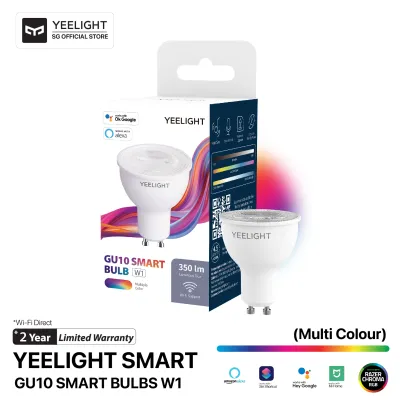
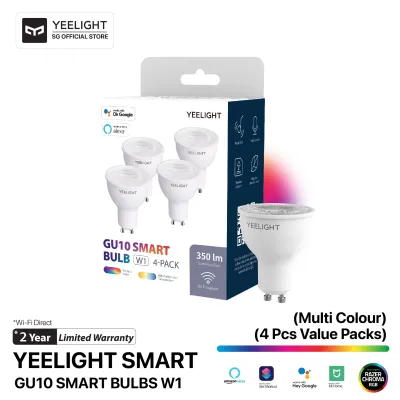
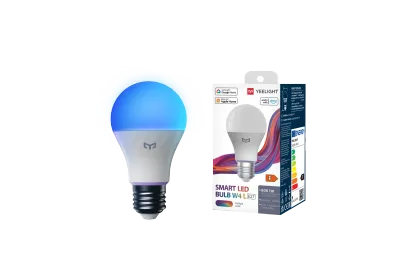
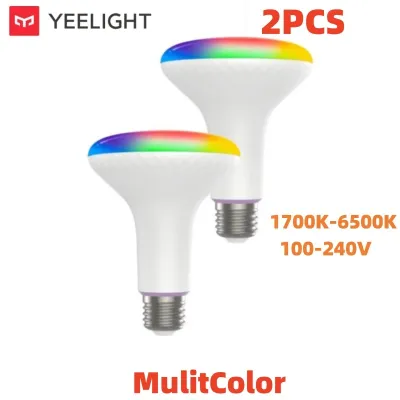
Products mentioned in this guide
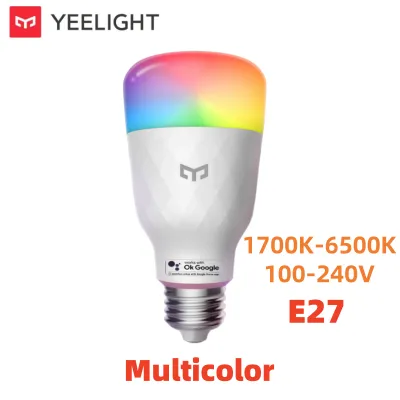
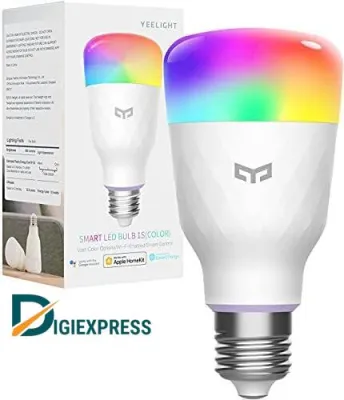
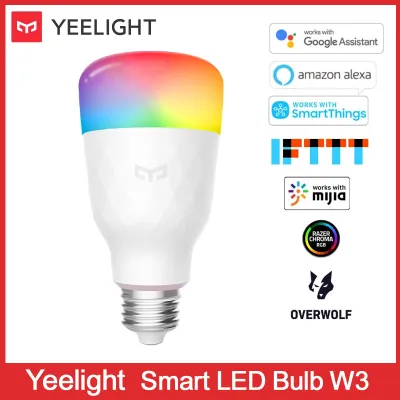
![[Ready Stock] E14 E27 Smart LED Bulb - 5W 9W RGB Dimmable Light Bulb Wifi Timer Group Voice Control with Google Home Yeelight Alexa](https://img.lazcdn.com/g/p/84bd845687992f18f7994924d9e9c809.jpg_400x400q80.jpg_.webp)
Prices are valid at publication and may change. Please refer to the product page for the latest price.
However, smart bulbs are rarely operated at 100% capacity throughout their lifespan. This makes understanding dimming curves and power consumption at lower brightness levels essential. Smart LEDs use internal drivers to control dimming, and the power reduction is not always perfectly linear. A bulb dimmed to 50% brightness may still draw slightly more than 50% of its maximum power due to the energy required to run the internal wireless receiver and processor. When comparing brands, look for models that offer smooth, efficient dimming transitions without disproportionate power draw at lower levels.
Color temperature and color-changing (RGB) modes also significantly impact energy efficiency. Standard warm white or cool white settings typically utilize highly efficient dedicated white LED chips. In contrast, full-color RGB modes require mixing red, green, and blue light, which often has a lower luminous efficacy than standard white light. If you plan to use your smart bulbs primarily for decorative color scenes, be aware that the energy draw per lumen of brightness will generally be higher than when using standard white light. Compare the rated wattage of different brands specifically in their RGB modes to see which brand manages color-mixing power consumption more efficiently.
The Hidden Energy Cost: Standby Power and Network Protocols
Unlike traditional LED bulbs that draw zero power when turned off, smart bulbs are “always-on” devices. Even when you turn them off via an app, voice assistant, or automation schedule, they must maintain a continuous wireless connection to receive commands. This continuous draw is known as standby power or vampire power. While standby power for a single bulb is typically very low, it runs 24 hours a day, 365 days a year. Across an entire home with dozens of smart bulbs, this cumulative standby power can make a noticeable impact on your monthly electricity bill.

The network protocol a smart bulb uses plays a massive role in its standby power consumption. Yeelight bulbs typically utilize direct Wi-Fi or Bluetooth/Wi-Fi dual-mode connectivity. The primary advantage of Wi-Fi bulbs is that they connect directly to your home router without requiring a separate hardware hub, lowering your initial setup costs. However, Wi-Fi chips generally require more power to maintain a stable network connection than low-power mesh protocols like Zigbee or Thread, which are commonly used by some competing premium brands.
To evaluate the true energy footprint of your smart lighting system, you must weigh the higher standby draw of individual Wi-Fi bulbs against the combined draw of a hub-based system. A Zigbee or Thread bulb typically has an exceptionally low standby power draw, but it requires a dedicated central hub that must remain plugged into a wall outlet at all times. If you only plan to install a few smart bulbs in your home, a hub-free Wi-Fi system like Yeelight is often more energy-efficient overall because you avoid the constant power draw of an idle hub. However, for a whole-home installation with 20 or more bulbs, a hub-based system can be more energy-efficient in the long run, as the low standby draw of the individual bulbs offsets the continuous power consumption of the single central hub.
Using physical wall switches to control smart bulbs introduces another efficiency and functional trade-off. Flipping a traditional wall switch to the “off” position completely cuts power to the bulb, reducing its standby power consumption to absolute zero. However, doing so also disconnects the bulb from your smart home network, rendering schedules, voice controls, and app integrations useless until the physical switch is flipped back on. To maintain smart functionality without wasting energy, many homeowners choose to leave the physical switch on and manage standby power by selecting bulbs with the lowest rated standby wattage.
Assessing True Value for Money in Smart Lighting
When evaluating the financial aspect of smart lighting, looking solely at the purchase price of the bulb can be misleading. A comprehensive value-for-money assessment must factor in the initial hardware cost, potential hub requirements, estimated lifespan, and ecosystem compatibility. Yeelight bulbs are highly regarded for their competitive upfront pricing and hub-free design, allowing you to start your smart home journey with a minimal initial investment. Competing systems that require a proprietary bridge or hub demand a higher upfront cost, which may only become financially justifiable if you plan to expand your system significantly over time.
Lifespan and warranty terms are also critical components of the long-term cost of ownership. Most reputable smart LED bulbs, including Yeelight, are rated for thousands of operating hours—often ranging from 15,000 to 25,000 hours. To put this in perspective, a bulb used for four hours a day can last well over a decade. However, these ratings are based on optimal operating conditions. Verify the manufacturer’s warranty terms in Singapore, as a longer warranty period provides financial protection against premature hardware failure, ensuring you get the full value out of your investment.
Ecosystem lock-in is another factor that can impact future costs. If you purchase bulbs that only work within a closed, proprietary ecosystem, you may find yourself forced to buy more expensive compatible products down the road. Yeelight bulbs generally offer excellent compatibility with major smart home platforms, including Google Home, Amazon Alexa, and Apple Home, and many newer models support open smart home standards like Matter. Choosing bulbs that support open standards ensures that your lighting system remains compatible with future smart home upgrades, preventing the need for a costly complete system replacement if you decide to switch smart home assistants later.
Installation and Compatibility Checks Before You Buy
Before purchasing any smart bulb, it is essential to perform physical and electrical compatibility checks to ensure safe and efficient operation. First, verify the base type of your existing light fixtures. In Singapore, the most common fittings are E27 screw bases and B22 bayonet bases. Additionally, check the physical dimensions of the smart bulb against your fixture. Smart bulbs are often slightly larger and heavier than traditional LED bulbs because they contain internal wireless radios and power conversion circuitry. Ensure there is adequate clearance inside the fixture, especially for enclosed or semi-enclosed designs.
Thermal management is a critical factor in LED efficiency and lifespan, particularly in Singapore’s warm and humid tropical climate. Smart bulbs generate heat from both the light-emitting diodes and the internal wireless components. If a smart bulb is installed in a tightly enclosed fixture with poor ventilation, the trapped heat will build up rapidly. This excess heat can degrade the internal electronics, reduce the luminous efficacy of the LEDs, and drastically shorten the bulb’s overall lifespan. Always check the manufacturer’s guidelines to see if a bulb is rated for use in enclosed fixtures.
Another crucial compatibility check involves your existing wall switches. Smart bulbs must never be connected to traditional wall dimmer switches. Standard dimmers work by rapidly chopping the electrical voltage to reduce brightness, which starves the smart bulb’s internal computer of the constant power it needs to stay connected to the network. Operating a smart bulb on a dimmed circuit can cause severe flickering, buzzing, connectivity drops, and permanent damage to the bulb’s internal circuitry. If your fixture is connected to a traditional dimmer, you must either leave the dimmer set to 100% capacity at all times, bypass the dimmer switch entirely, or replace it with a compatible smart wireless switch.
Finally, always prioritize electrical safety by verifying local compliance certifications. In Singapore, electrical appliances should carry safety certifications to ensure they have been tested against local electrical standards. Look for the Safety Mark issued by Enterprise Singapore on the product packaging or the bulb itself. Purchasing smart bulbs with recognized safety certifications ensures that the device’s power supply and internal components meet strict safety guidelines, reducing the risk of electrical short circuits or fire hazards in your home.
Frequently Asked Questions (FAQ)
Do smart bulbs use electricity when turned off via the app?
Yes, smart bulbs draw a small, continuous amount of electricity when turned off via an app or voice assistant. This is known as standby power or vampire draw, and it is required to keep the bulb’s internal wireless receiver active so it can listen for your next command. To minimize this energy impact, check the manufacturer’s technical specifications for the standby wattage of the specific model before purchasing.
Is it more energy-efficient to use smart switches with standard LEDs?
Using a smart wall switch paired with standard, non-smart LED bulbs is often more energy-efficient for fixtures that contain multiple bulbs, such as chandeliers or track lighting. In this setup, only the single smart switch draws standby power, while the standard LED bulbs draw zero power when turned off. However, this configuration means you lose the ability to control the color temperature or individual colors of the bulbs, which is a key feature of dedicated smart bulbs.
Community discussion
Share your experience or ask a question. Comments are reviewed before publication.