
Selecting the ideal LED digital alarm clock in Singapore requires looking beyond basic aesthetics to evaluate how specific hardware features align with your personal sleep environment. Whether you find yourself easily awakened by the faintest glow of a display, struggle to hear standard buzzers, or simply want a consolidated bedside charging station, the right clock acts as a functional tool rather than a sleep disruptor. By focusing on verifiable technical specifications—such as dimming ranges, decibel outputs, and USB power delivery—you can make an informed decision that enhances both your sleep hygiene and your morning routine.
In a typical Singapore bedroom, space on the nightstand is often at a premium, and ambient light from streetlights or neighboring units can already challenge your sleep quality. Adding an overly bright or poorly designed electronic clock can compound these issues. Understanding the relationship between display technology, sound engineering, and electrical safety is the first step toward choosing a device that supports restful sleep and reliable wake-ups.
How to Match LED Alarm Clock Features to Your Sleep Style
Every individual possesses a unique sleep profile, meaning a clock that works perfectly for one person might cause frustration for another. Light sleepers, for instance, are highly sensitive to environmental stimuli during the lighter stages of sleep, particularly rapid eye movement (REM) and stage 1 sleep. For these individuals, even a tiny fraction of blue light or a faint ticking sound can trigger micro-arousals, leaving them feeling unrefreshed. Consequently, their primary focus must be on display customization, looking for clocks that offer ultra-low dimming or complete blackout options.
Products mentioned in this guide
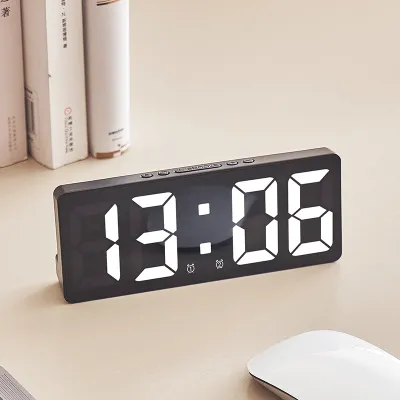
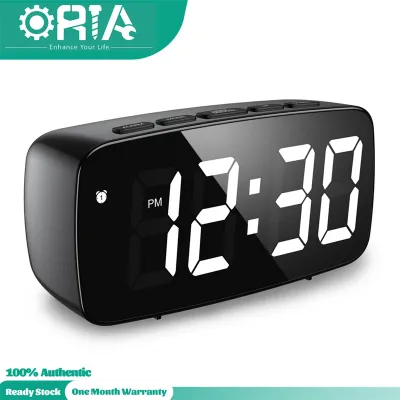
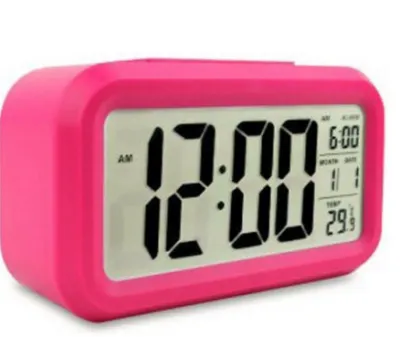
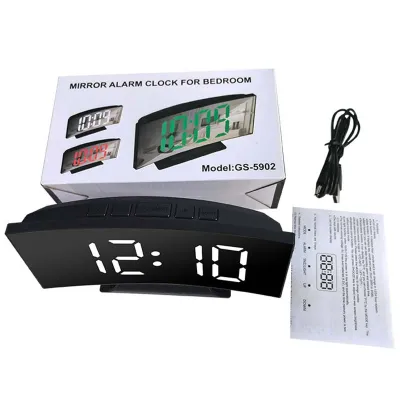
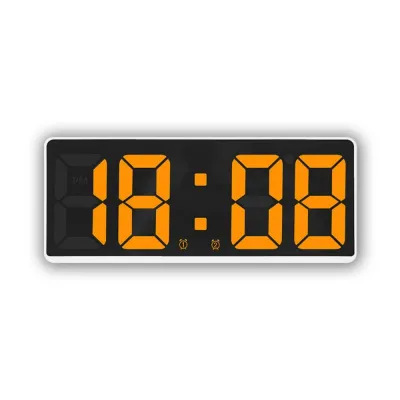
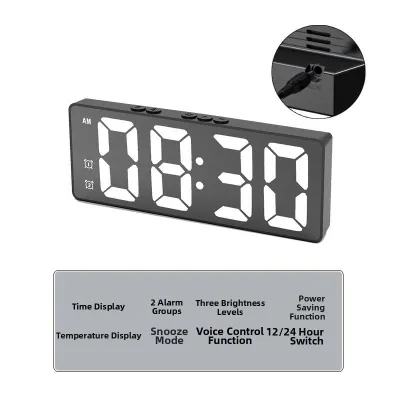
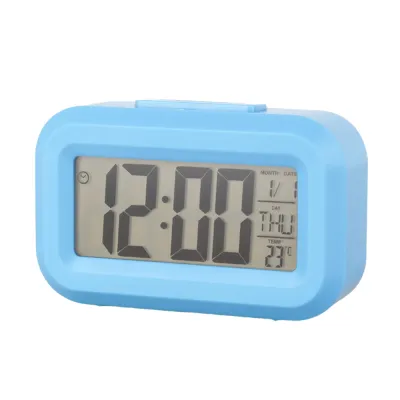
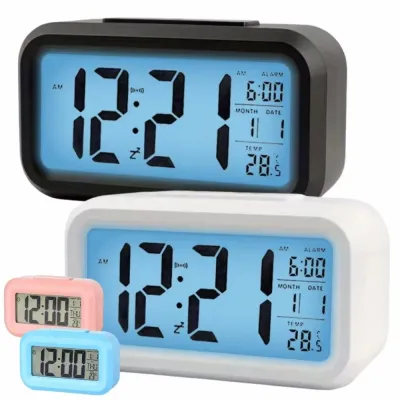
Prices are valid at publication and may change. Please refer to the product page for the latest price.
Heavy sleepers, conversely, experience deeper slow-wave sleep stages and require more robust sensory inputs to transition to wakefulness. Standard alarm tones often fail to register, leading to oversleeping. For this group, the critical specifications lie in the alarm’s acoustic properties—such as adjustable decibel levels and frequency modulation—or alternative physical alerts like bed shakers. Relying on a standard, low-decibel buzzer is rarely sufficient, making it essential to verify the clock’s maximum volume capacity before purchasing.
For those who prioritize convenience and connectivity, the bedside clock serves as a central hub for managing devices. These users need to look closely at the power output of integrated USB ports and the reliability of power backup systems. If a clock cannot charge a modern smartphone efficiently or loses its settings during a brief power fluctuation, it fails to deliver on its core promise of convenience.
| Sleep Profile | Primary Sleep Disruption | Essential Clock Feature | Key Specification to Verify |
|---|---|---|---|
| Light Sleeper | Ambient display glare, blue light exposure | Stepless manual dimming, red/amber LED option | Minimum brightness percentage, color temperature |
| Heavy Sleeper | High arousal threshold, missed audio cues | High-decibel alarm, progressive tones, physical shaker | Decibel (dB) range, shaker connection type |
| Convenience Seeker | Cable clutter, power outages, slow charging | High-output USB ports, robust battery backup | USB amperage (e.g., 2.1A), backup battery type |
Top Features for Light Sleepers: Dimming and Display Controls
For light sleepers, the brightness of an LED display is the single most critical factor governing sleep quality. Many standard LED clocks emit a constant, bright light that can illuminate an entire bedroom, mimicking daylight and signaling the brain to suppress melatonin production. To prevent this, look for clocks that offer manual dimming controls with multiple levels, or ideally, a stepless dial that allows you to adjust the brightness down to a fraction of a percent.

Automatic ambient light sensors are another option, designed to adjust the display brightness dynamically based on the room’s lighting conditions. While convenient, it is important to verify whether the sensor can be overridden manually. In some environments, a sensor might perceive a dark room but still maintain a display level that is too bright for highly sensitive individuals. Checking the product manual or manufacturer specifications for a manual override function ensures you retain full control over your sleeping environment.
For those who require absolute darkness to fall asleep, a “blackout” or “display off” mode is an invaluable feature. Clocks equipped with this function allow the display to turn off completely after a few seconds of inactivity. To view the time during the night, you simply tap the top of the clock, clap, or touch a designated sensor to temporarily illuminate the screen. When evaluating these models on online marketplaces, look closely at the user instructions to confirm how the display is reactivated, ensuring the action is simple enough to perform while half-awake.
The color of the LED light itself also plays a significant role in sleep hygiene. Short-wavelength blue and white light are known to be highly disruptive to circadian rhythms, as they stimulate photoreceptors in the eye that regulate alertness. In contrast, longer-wavelength red, orange, or amber light has a minimal impact on melatonin secretion. When selecting an LED clock, prioritize models that feature warm-colored displays or allow you to switch the display color to a deep red or amber for nighttime use.
Best Options for Heavy Sleepers: Loud Alarms and Alternative Alerts
Waking up reliably requires an alarm that can successfully penetrate deep sleep cycles without causing excessive cardiovascular stress. For heavy sleepers, a clock with a fixed, low-volume buzzer is rarely effective. Instead, look for models that specify adjustable volume limits and progressive alarm settings. A progressive alarm starts softly and gradually increases in volume, allowing for a gentler transition to wakefulness while still providing the necessary volume to wake even the deepest sleeper.
When comparing clocks, look for explicit decibel (dB) ratings in the manufacturer’s specifications rather than relying on vague marketing terms like “super loud.” A standard alarm clock typically operates around 60 to 70 decibels, which may not be sufficient for heavy sleepers. Models designed specifically for deep sleepers often reach 80 to 90 decibels or higher. It is crucial to verify these figures in the product manual, as prolonged exposure to extremely high decibels at close range can be uncomfortable or damaging to hearing.
For individuals who consistently sleep through audio alerts, physical wake-up mechanisms offer a highly effective alternative. Some specialized LED alarm clocks feature a vibrating puck or “bed shaker” that connects to the main unit via a cable or wireless link. This puck is placed under your pillow or mattress, vibrating vigorously when the alarm triggers. When choosing a clock with a bed shaker, verify the connection type and the length of the cable to ensure it can comfortably reach from your nightstand to your bed.
Another alternative is a sunrise simulation feature, which gradually increases light output to mimic a natural dawn. While not strictly a traditional LED digital clock feature, many modern digital clocks incorporate a warm light panel that begins brightening 10 to 30 minutes before the audio alarm sounds. This gradual light exposure helps prepare the body to wake up naturally, making the subsequent audio alarm far more effective and less jarring.
Convenience and Connectivity: USB Charging and Bedside Utility
A bedside alarm clock is often expected to do more than just tell the time; it frequently serves as a charging station for smartphones, smartwatches, and other personal devices. When evaluating clocks with integrated USB ports, it is essential to check the electrical output specifications on the product packaging or manual. Many older or lower-cost models feature USB ports rated at only 5V/1A, which will charge modern devices very slowly, especially if you are using the phone for sleep tracking or white noise during the night.
To ensure efficient charging, look for clocks that offer USB ports with an output of at least 5V/2.1A or those that support modern fast-charging standards. If you plan to charge multiple devices simultaneously, verify whether the rated output is shared across all ports or dedicated to each. A clock with a shared output may split the power, resulting in slow charging times for both connected devices.
While smart clocks with Wi-Fi connectivity, voice assistants, and smart home integration offer high convenience, they also introduce potential trade-offs. Continuous network connections can lead to background updates that cause the screen to light up unexpectedly during the night. Additionally, the setup process for smart clocks often requires a dedicated smartphone application, which may introduce compatibility issues over time. Consider whether you truly need smart features or if a high-quality, standalone digital clock would better serve your sleep environment.
A robust power backup system is another critical feature that should not be overlooked. In the event of a power outage or if the clock is accidentally unplugged, a battery backup ensures that you do not miss your alarm. Most LED clocks use a small button cell battery (such as a CR2032) or standard AAA batteries to maintain the internal timekeeping chip. It is important to note that these backup batteries typically do not power the main LED display or sound the alarm; their sole purpose is to retain the time and alarm settings so that the clock functions normally once main power is restored.
What to Check Before Buying an LED Alarm Clock Online
Before finalizing your purchase on any online marketplace, there are several practical and technical checks you should perform to ensure the clock is suitable for your home. First and foremost, verify the electrical voltage rating and plug type. In Singapore, the standard domestic supply voltage is 230V at 50Hz, and the standard plug is the Type G British 3-pin plug. Many clocks sold online are imported and may come with Type A (US) or Type C (EU) plugs, requiring the use of adapters. To ensure safety and reduce clutter, look for models that are certified for use in Singapore or those that power via a standard USB cable connected to a certified USB wall adapter.
Next, measure your bedside table space and compare it against the physical dimensions of the clock. An alarm clock that is too large can crowd your nightstand, leaving little room for a glass of water or a book. Conversely, a clock that is too small or lightweight may slide around or tip over when you attempt to press the snooze button in the morning. Check the product specifications for both the dimensions and the weight of the unit, and ensure the power cord is long enough to reach your nearest wall outlet safely without being stretched taut.
Finally, take the time to review the seller’s ratings, return policies, and warranty terms. Electronic items can occasionally arrive with defective LED segments or faulty buttons, so a clear and straightforward return policy is essential. Look for sellers that offer a local warranty, as returning a defective item internationally can be costly and time-consuming. Reading through customer reviews on the e-commerce platform can also provide valuable insights into the clock’s real-world performance, such as the actual brightness of the lowest dimming setting or the reliability of the alarm.
Frequently Asked Questions (FAQ)
Do LED alarm clocks consume a lot of electricity?
LED digital alarm clocks are generally highly energy-efficient, typically drawing between 1 and 5 watts of power under normal operating conditions. Because LED technology requires very little electricity to illuminate the display segments, the ongoing cost of running a basic clock is negligible. However, if the clock includes auxiliary features—such as high-output USB charging ports, wireless charging pads, or continuous Wi-Fi connectivity—the overall power draw will increase when those features are active. To find the exact power consumption, check the manufacturer’s rated wattage on the product label or in the user manual.
How do I clean an LED digital clock screen without damaging it?
To clean an LED digital clock screen safely, always begin by unplugging the device from the wall outlet or disconnecting its USB power cable to prevent any electrical hazards. Use a clean, dry microfiber cloth to gently wipe away dust and fingerprints from the display surface. If the screen has stubborn smudges, slightly dampen the microfiber cloth with plain water, ensuring it is not dripping wet. Avoid using harsh chemical cleaners, glass sprays, alcohol, or abrasive pads, as these can scratch the plastic display cover or strip away anti-glare coatings. Never spray liquid directly onto the clock, and keep moisture away from buttons, speaker grilles, and USB ports.

Community discussion
Share your experience or ask a question. Comments are reviewed before publication.