
Choosing the right screen light bar for your desk setup in Singapore depends on your monitor’s physical design, your daily tasks, and how much you value precise optical engineering. While many brands promise glare-free illumination and space-saving designs, their actual performance varies significantly across price points. Instead of choosing a brand based on popularity alone, you can find the ideal fit by evaluating key physical and optical specifications. This guide outlines how to compare screen light options to ensure you get a durable, high-performing light that protects your eyes and fits your workspace.
Key Specifications to Check Before Comparing Brands
To make an objective comparison, you must look past marketing buzzwords and examine the technical specifications listed on product labels or manufacturer spec sheets.
First, check the illuminance and uniformity metrics. High-quality models typically specify their illuminance in lux at a set distance (for example, 500 lux at 45 cm from the screen). Uniformity refers to how evenly the light spreads across your desk; look for brands that provide a wide, even distribution rather than a bright hotspot directly under the lamp.
Products mentioned in this guide
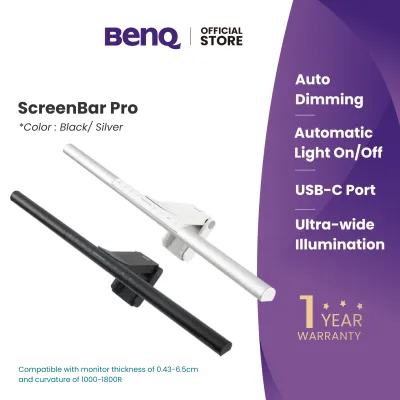
![[New] BenQ ScreenBar Halo 2 | Monitor Light | Wireless Control | Auto Dimming & Auto On/Off | Back Light | Desk Lamp | 3 Light Modes](https://img.lazcdn.com/g/p/3efb87ef278da69695a8c36fca44e243.png_400x400q80.png_.webp)
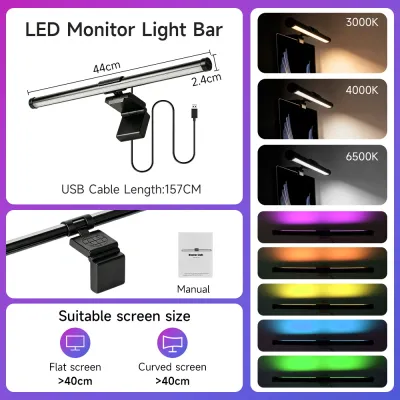
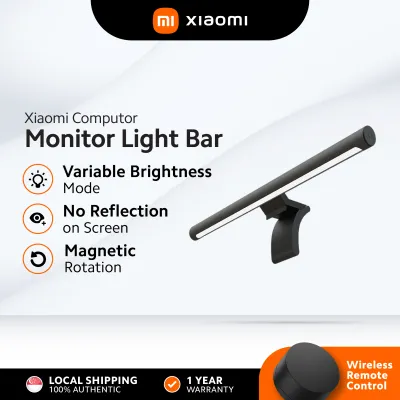
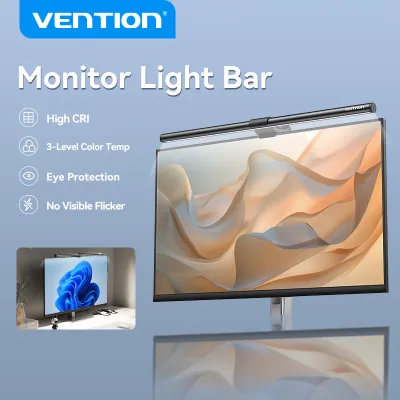
![Baseus LED Screen Light Computer Laptop Screen Book light Desk Light LCD Monitor Lamp Study Reading Light PC Night Light for Home Office School light [Black]](https://img.lazcdn.com/g/p/a9e53b263ca4a9a3ac9375a9285b835c.jpg_400x400q80.jpg_.webp)
![[READY STOCK] Hanging Monitor Light LED Light Desk USB Desk Lamps Reading Lamp Computer Laptop Screen Light](https://img.lazcdn.com/g/p/c588c8155162cb344affb8c3dff907eb.jpg_400x400q80.jpg_.webp)
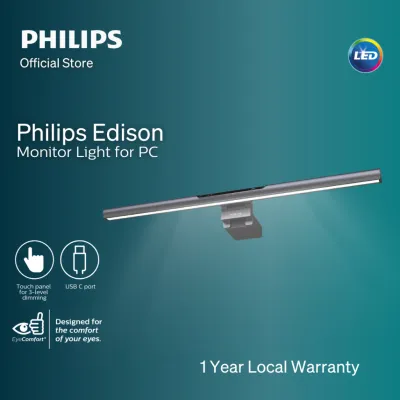
Prices are valid at publication and may change. Please refer to the product page for the latest price.
Next, evaluate the Color Rendering Index (CRI). For tasks requiring accurate color perception, such as photo editing, graphic design, or detailed crafting, look for a CRI rating of Ra 90 or higher. A high CRI ensures that colors appear natural and vibrant under the light.
The optical design is critical for eye comfort. True asymmetric optical designs project light at an angle, illuminating your desk space while keeping the light path completely off the screen surface. Symmetrical or basic angled reflectors often allow stray light to hit the screen, causing distracting reflections and glare.
Finally, measure your monitor’s bezel and rear casing. Some mounting mechanisms require a minimum bezel clearance to avoid blocking the screen or damaging delicate webcams, while others use adjustable counterweights that need a flat surface on the back of the monitor to remain stable.
Evaluating Build Quality and Ergonomic Adjustability
The physical construction of a screen light determines its longevity and how well it integrates into your daily workflow.

When comparing brands, examine the materials used in the main housing. Premium models often feature anodized aluminum alloy bodies, which offer excellent heat dissipation and a sleek aesthetic, whereas budget-friendly options typically rely on lightweight plastics. The mounting bracket is equally important; a heavy, rubber-padded counterweight mount provides superior stability compared to lightweight plastic clamps that can slip.
Hinge and pivot durability are essential if you frequently adjust your monitor’s tilt. Look for tension-adjustable hinges or robust gravity-pivot designs that maintain their angle over time without drooping or requiring constant tightening.
Control interfaces vary widely across brands. Some models feature physical buttons or touch-sensitive panels on the light bar itself, which can cause the monitor to wobble slightly when pressed. Other brands offer wireless desktop dials or wired inline controllers, allowing you to adjust brightness and color temperature without touching the light bar.
Consider how the cable management fits into your desk layout. A screen light that uses a standard USB-C port and includes a discreet cable routing path helps maintain a clean, clutter-free workspace, especially in compact Singapore home offices or study corners.
Verifying Light Performance and Glare Reduction
Achieving a comfortable workspace requires verifying how well a screen light manages light distribution and minimizes screen glare.
To verify true asymmetric light path claims, look for manufacturer-provided optical diagrams or user manuals showing the light cutoff angle. A well-designed asymmetric lens directs light downward and forward, creating a sharp cutoff line that prevents light from spilling onto the monitor glass.
Color temperature adjustability is another key feature to check. Look for models that offer a wide range, typically from a warm 2700K for relaxing evening use to a cool 6500K for high-focus daytime work. Stepless dimming allows you to fine-tune the brightness to match your room’s ambient light levels precisely.
Some mid-range and premium models include built-in ambient light sensors that automatically adjust the brightness based on your surroundings. If you opt for an auto-dimming model, verify where the sensor is located to ensure it will not be blocked by shelves or monitor accessories.
To prevent eye strain during long working hours, check the product details for flicker-free certifications or high-frequency Pulse Width Modulation (PWM) specifications. Low-frequency flicker can cause headaches and eye fatigue, even if it is not consciously visible.
Navigating Price Tiers and Value Propositions
Screen light bars in Singapore generally fall into three distinct price tiers, each offering a different balance of features and build quality.
The entry-level tier, typically priced under S$50, offers basic illumination using standard symmetric or slightly angled reflectors. These models usually feature plastic construction, basic manual controls on the power cable, and lower CRI ratings, making them suitable for casual use where precise glare control is not critical.
The mid-range tier, ranging from S$50 to S$150, introduces better build materials like aluminum alloy, improved CRI ratings (often Ra 90 or above), and more sophisticated mounting solutions. Many options in this tier also include wireless remote dials or touch controls, providing a cleaner look and easier adjustments.
The premium tier, priced above S$150, features advanced asymmetric optical lenses that virtually eliminate screen glare, high-end finishes, and smart home integration. These models often include precise auto-dimming sensors, exceptionally high CRI ratings (Ra 95+), and specialized mounting brackets designed for curved or ultra-wide monitors.
When purchasing any electronics in Singapore, always verify the warranty terms and after-sales support. Look for local distributor warranties rather than parallel imports to ensure you can easily get a replacement or repair if the touch controls or LEDs malfunction.
Decision Framework: Matching a Screen Light to Your Setup
To choose the right screen light tier, evaluate your specific desk setup, daily workflow, and monitor type.
An entry-level model is highly suitable if your primary goal is basic night reading on a tight budget, and you use a standard flat monitor where minor screen reflections are not a major distraction.
A mid-range model is the ideal choice for daily office work, remote learning, or general productivity. The improved light uniformity and convenient remote controls make it a comfortable, long-term addition to a standard home office setup.
A premium model is recommended if you perform color-critical work like photo editing, use a deep curved monitor, or want to integrate your lighting into a smart home ecosystem. The superior color accuracy and specialized optics justify the higher investment.
Before making a final decision, always verify your monitor’s physical dimensions. If you use an ultra-wide, heavily curved, or all-in-one monitor with a thick rear casing, standard gravity mounts may not sit securely, requiring you to look for brands that offer specialized curved-monitor adapters or adjustable clamp mechanisms.
Frequently Asked Questions (FAQ)
Do screen light bars work on curved or ultra-wide monitors?
Yes, but compatibility depends heavily on the mounting design. Standard gravity-pivot mounts may struggle to grip the steep curve of an ultra-wide monitor, potentially causing the light bar to tilt forward or block the screen. Before purchasing, check the manufacturer’s compatibility list for specific curve radii (such as 1000R or 1500R) and screen thicknesses, or look for brands that include specialized curved-monitor adapters or adjustable clamp mechanisms.
Can a screen light bar replace a traditional desk lamp?
A screen light bar can replace a traditional desk lamp for tasks directly in front of your monitor, as its focused asymmetric beam illuminates your keyboard and immediate desk area without taking up valuable desk space. However, because it projects a highly directed beam, it does not provide the wide-dispersion ambient light that a traditional desk lamp offers. If you frequently read physical documents or work on crafts off to the side of your monitor, you may still require supplemental ambient or task lighting.

Community discussion
Share your experience or ask a question. Comments are reviewed before publication.